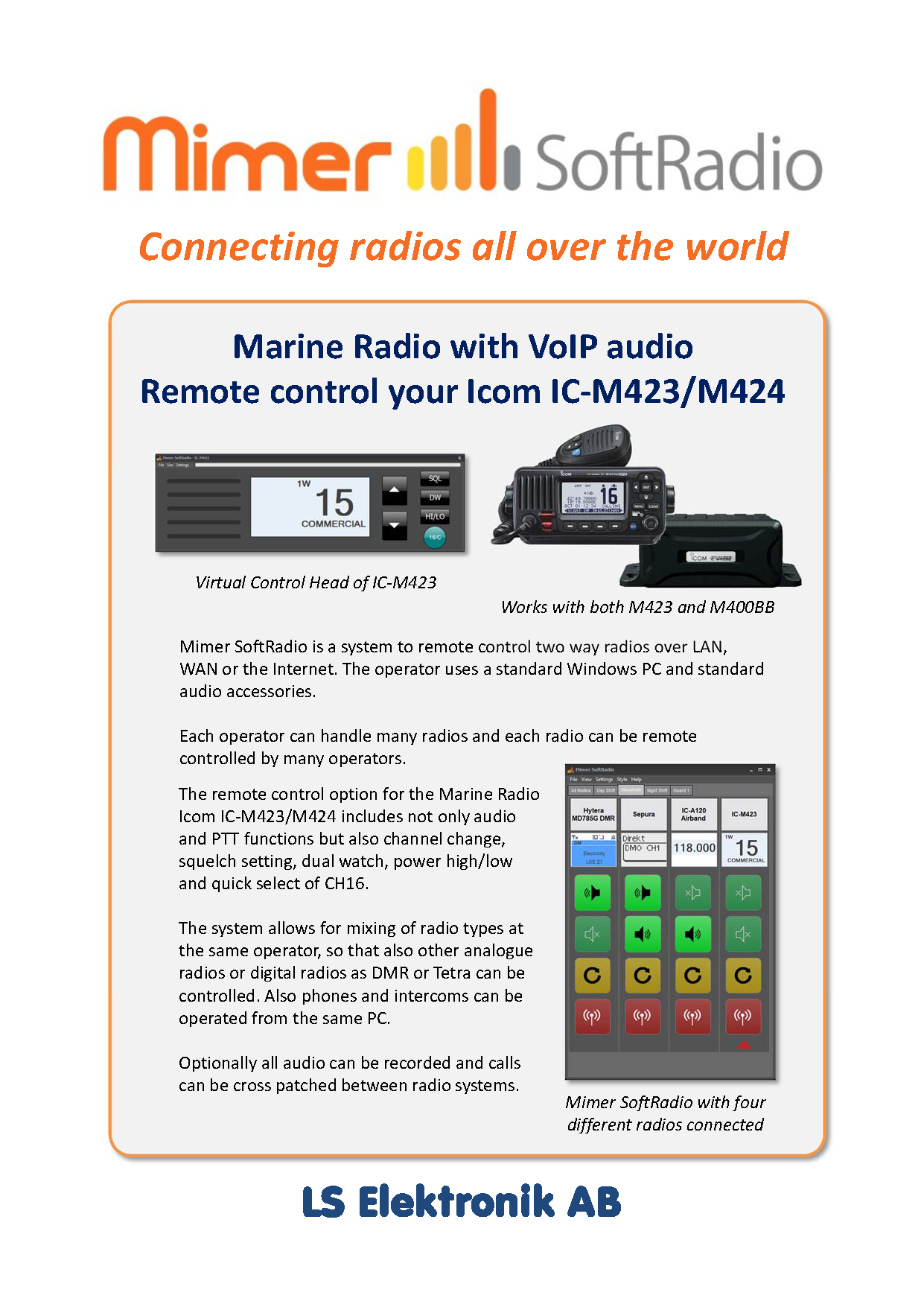
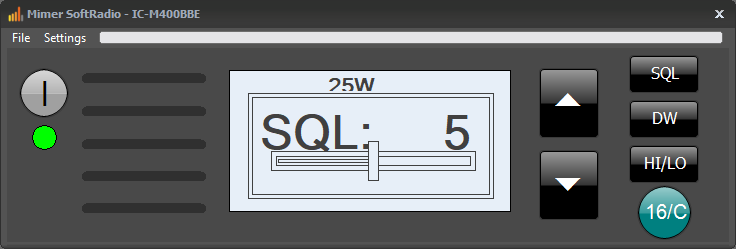
Through separate keys you can set the squelch level, high/low power, Dual watch on/off and there is also a quick key to CH16.
The radios built in functions for DSC can not be used. For those who need DSC there is an option for Mimer SoftRadio called Marine Calls.
All connections are made from the radios rear connector otherwise used for the Commandmic HM-195 (HM-195B/SW, HM-195GB/GW). The radio can simultaneusly be local controlled as a standard radio with its control head, microphone and speaker.
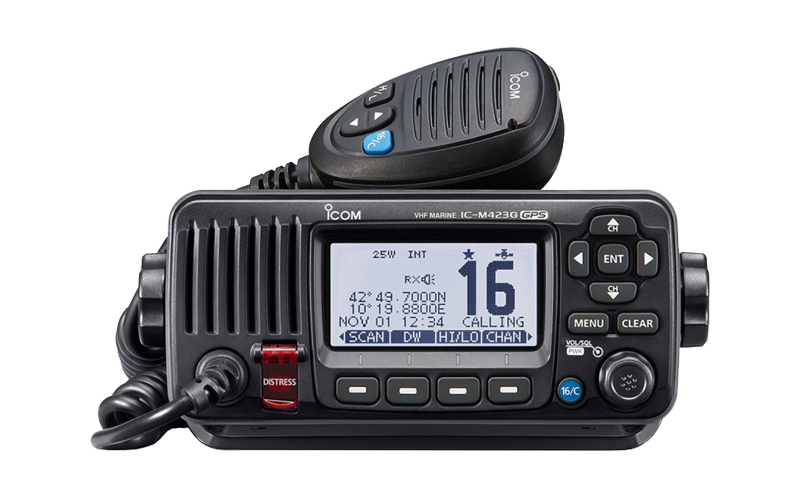
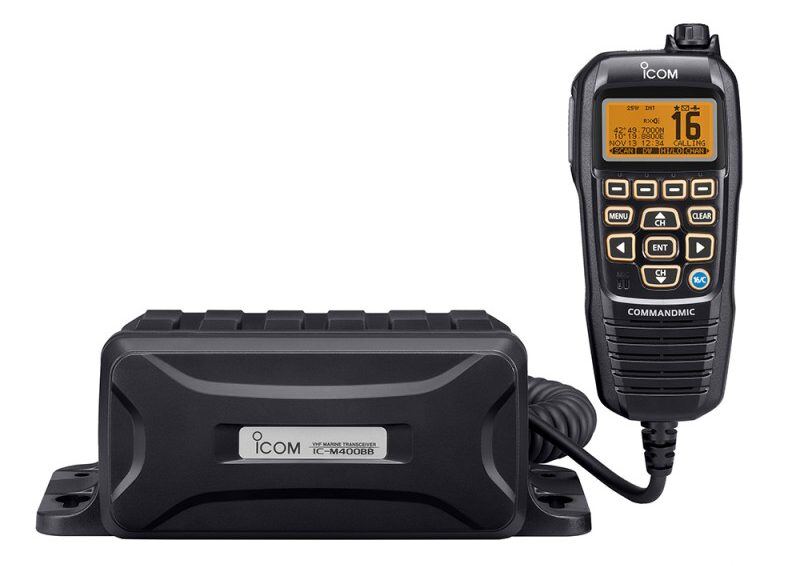
Network Interface: Suitable Network Interface for M423/424 & M400BB is 3009/31 with cable kit 3126/02.
Network Interface: Suitable Network Interface for M410BB & M510BB is 3009/69 with cable kit 3126/02.
Network Interface: Suitable Network Interface for M506 is 3009/46 with cable kit 3126.
Network Interface: Suitable Network Interface for M510EVO is 3009/75 with cable kit 3126/02.
Network Interface: Suitable Network Interface fo M510E and M510J is 3009/59 with cable kit 3126/02
Network Interface: Suitable Network Interface fo M430E is 3009/83 with cable kit 3126/02
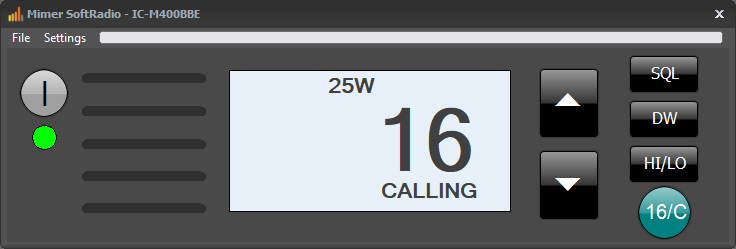
The VCH for Icom Marine Radios
The Virtual Control Head for Icom marine radios provides intuitive remote access to essential radio functions through a clear and familiar interface. The display presents key information such as channel number, transmit power, and dual watch status, matching the layout and behavior of the physical radio.
Arrow keys allow easy adjustment of channel selection and squelch settings, while dedicated controls provide direct access to dual watch and squelch functions. A clearly visible on and off indicator shows radio status, with green indicating the radio is active and red indicating it is powered off. High and low transmit power can be selected directly from the interface, and a fast-access key allows immediate switching to Channel 16 when required.
Through the settings menu, the operator can adjust the control head size and configure how the radio display is shown in SoftRadio. This virtual control head enables efficient and reliable operation of Icom marine radios without the need for physical access to the radio unit.
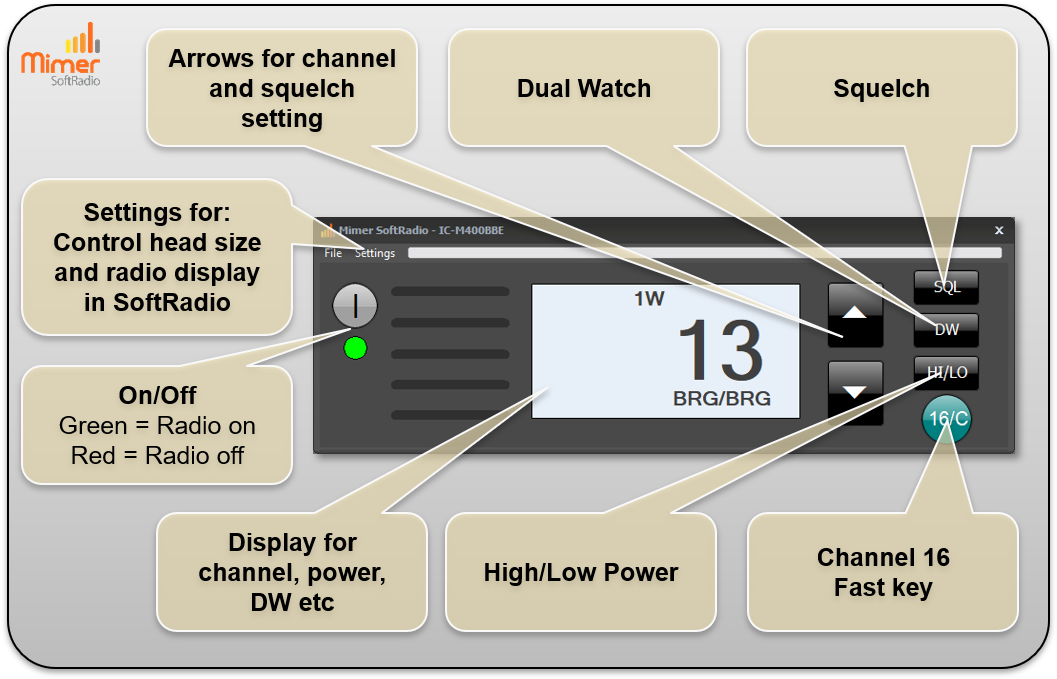
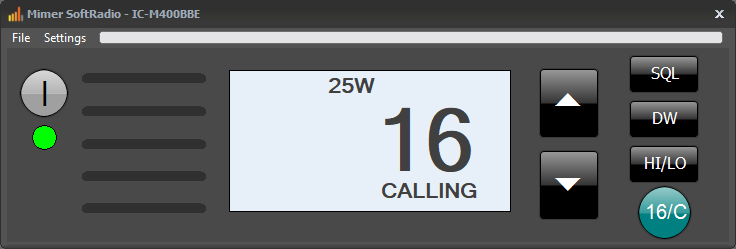
Set to channel 16.
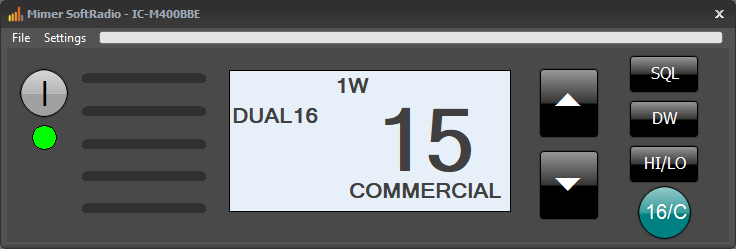
Set to channel 15 and Dual Watch active.
Supported Radio Models:
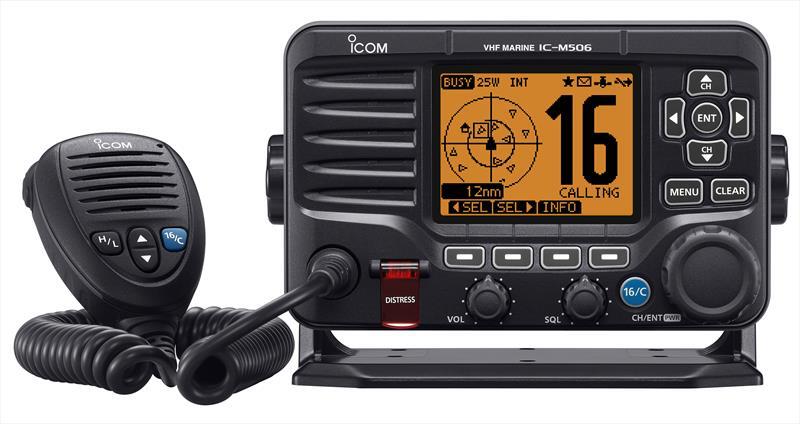
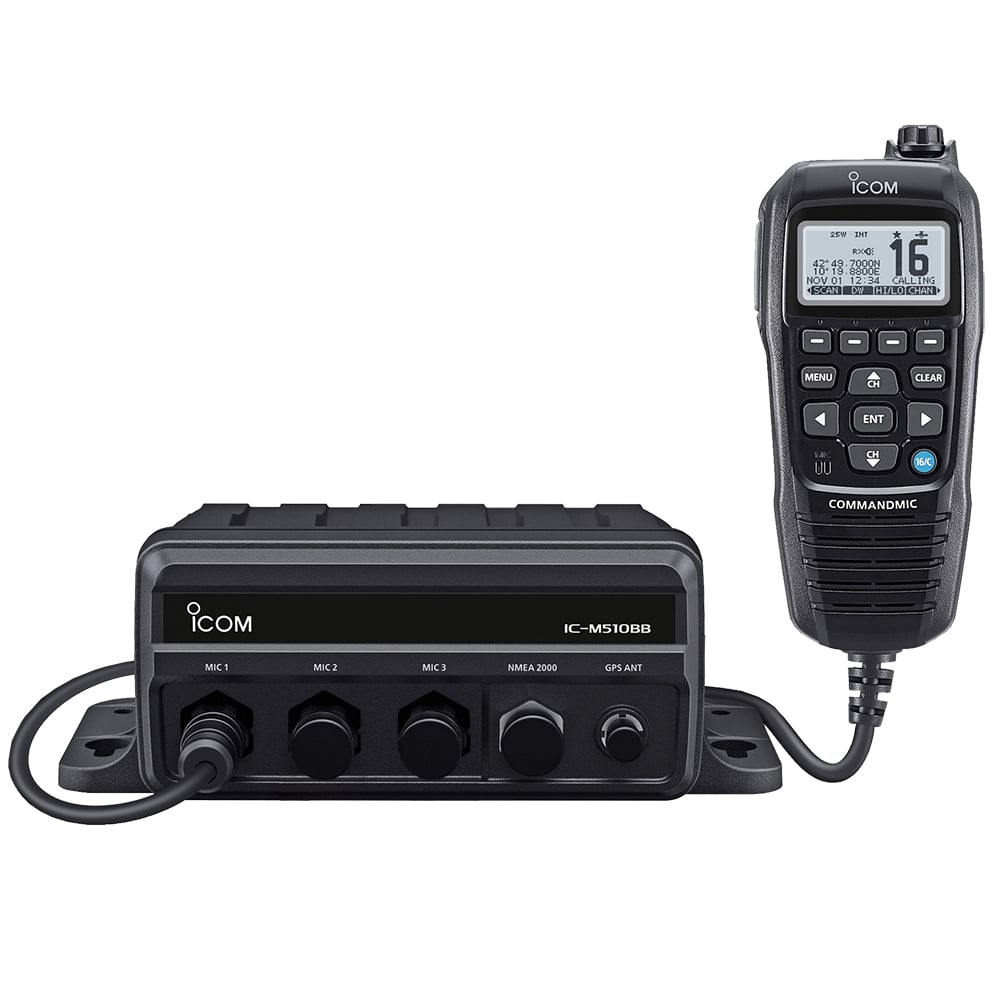
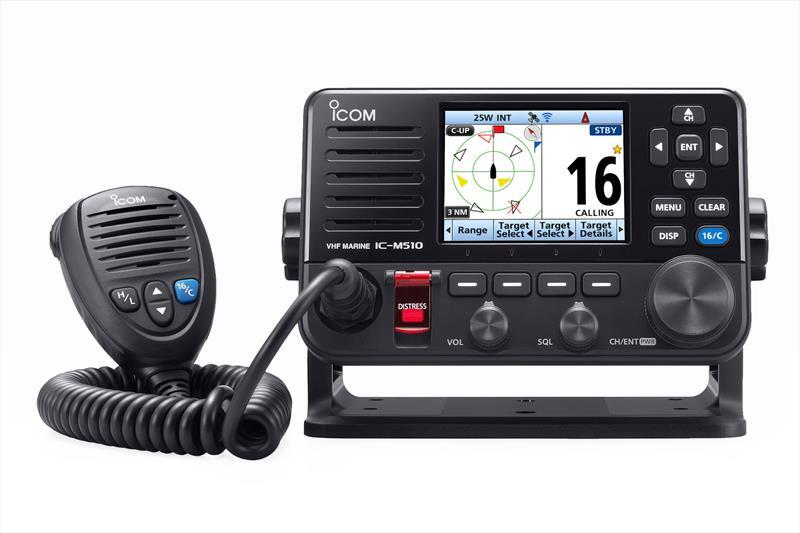
System Examples:
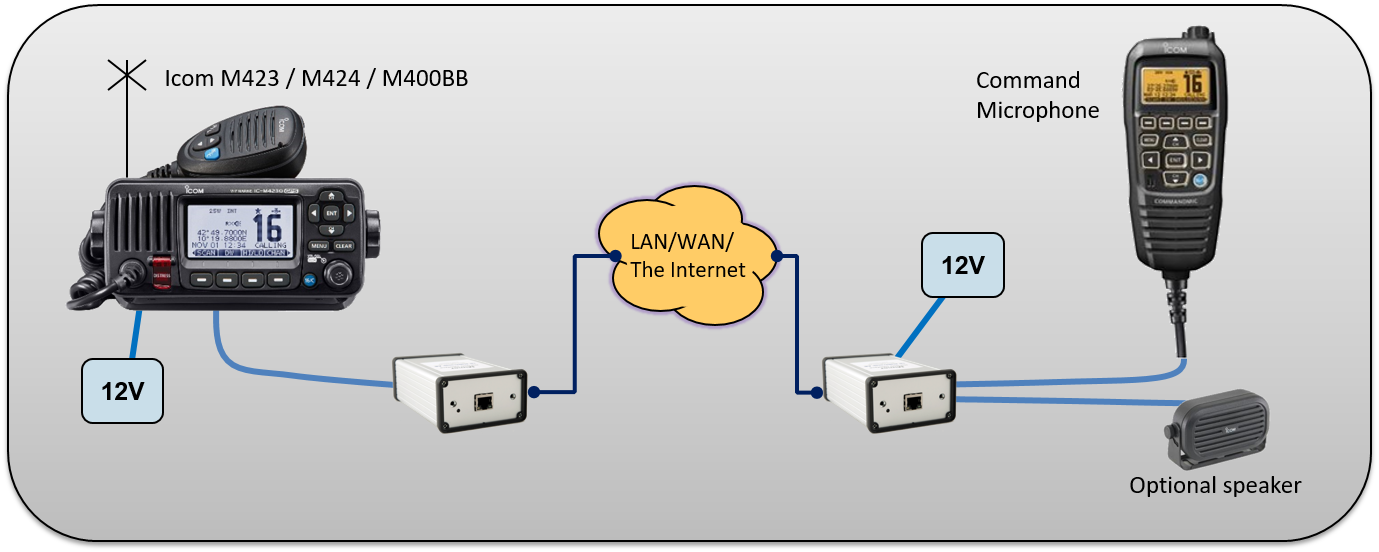
Please also see the page about Mimer SoftLine for Icom Marineradios. With Mimer SoftLine you can remote control the radio with a standard Command Microphone over the Internet. Instead of using a PC for the operator.
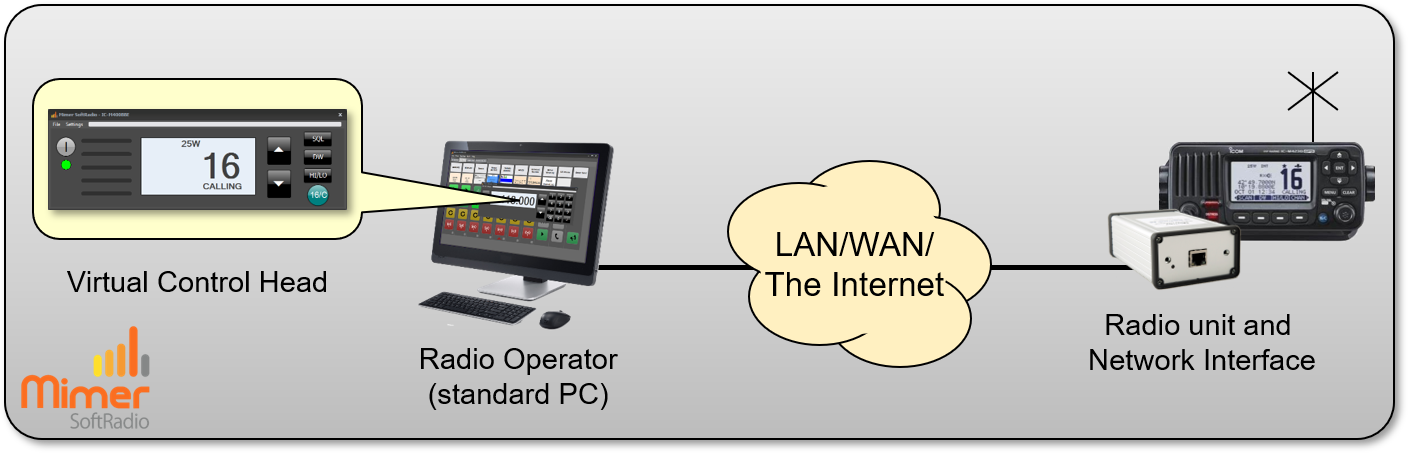
Example with one radio remote controlled from one operator PC.
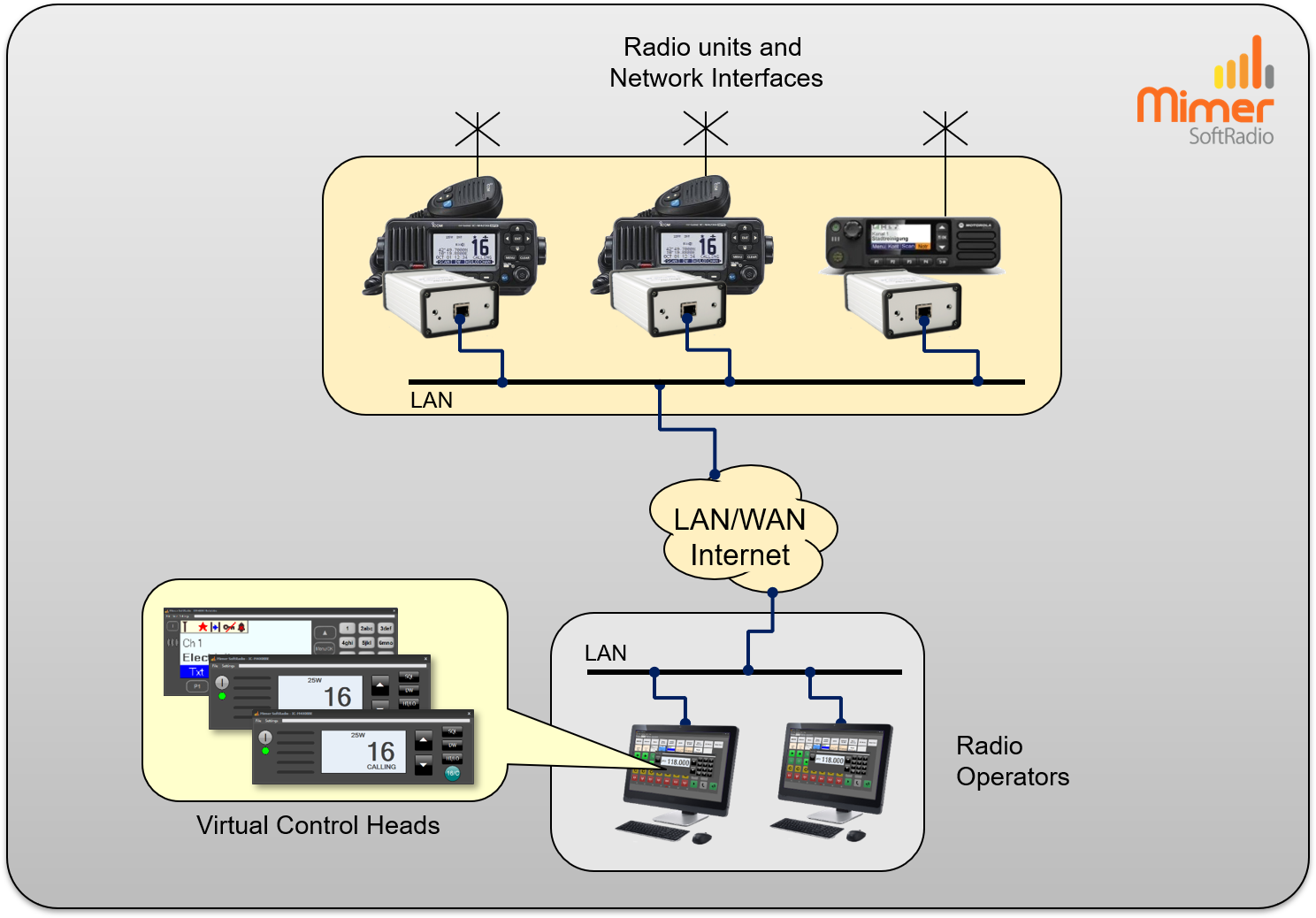
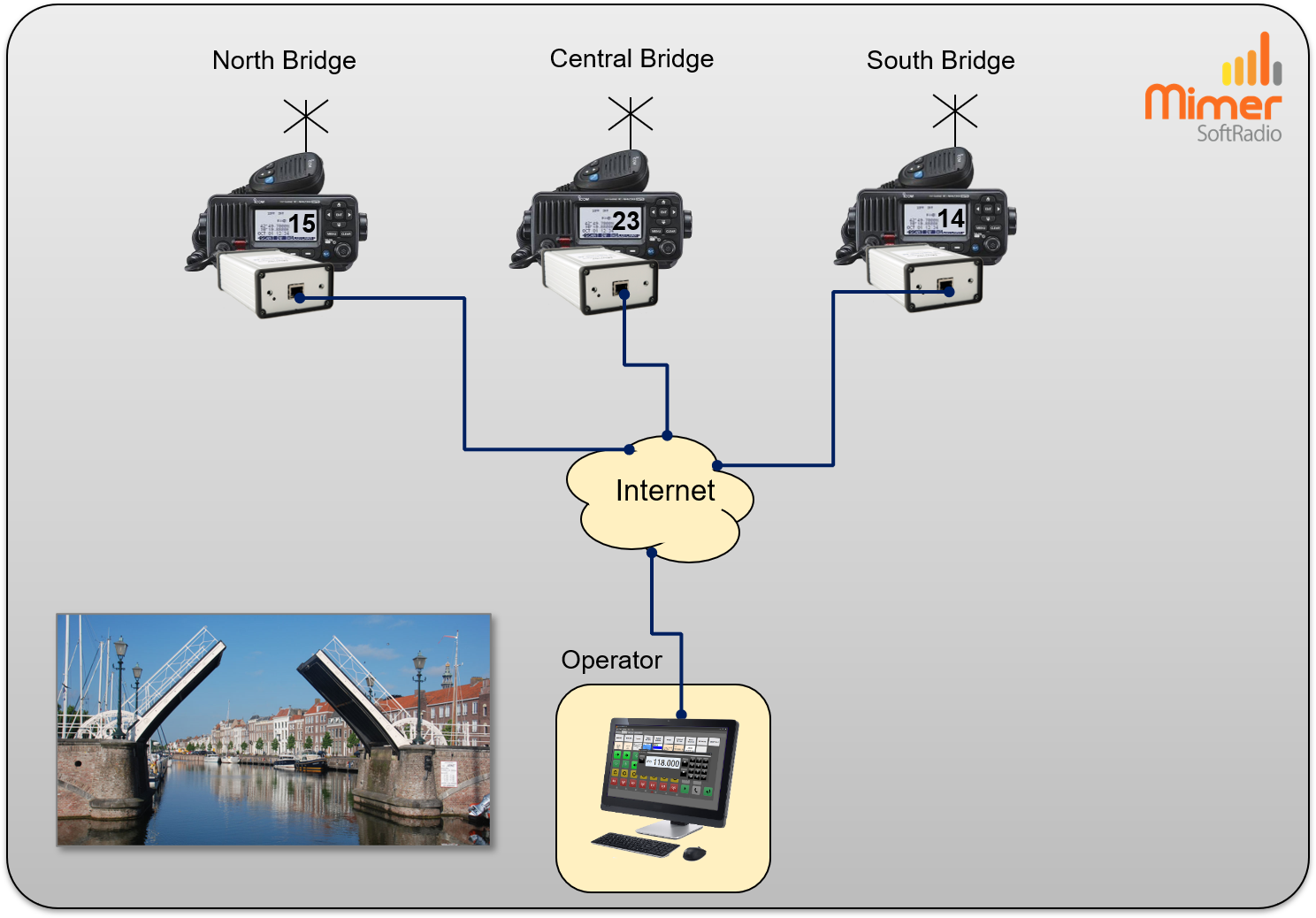
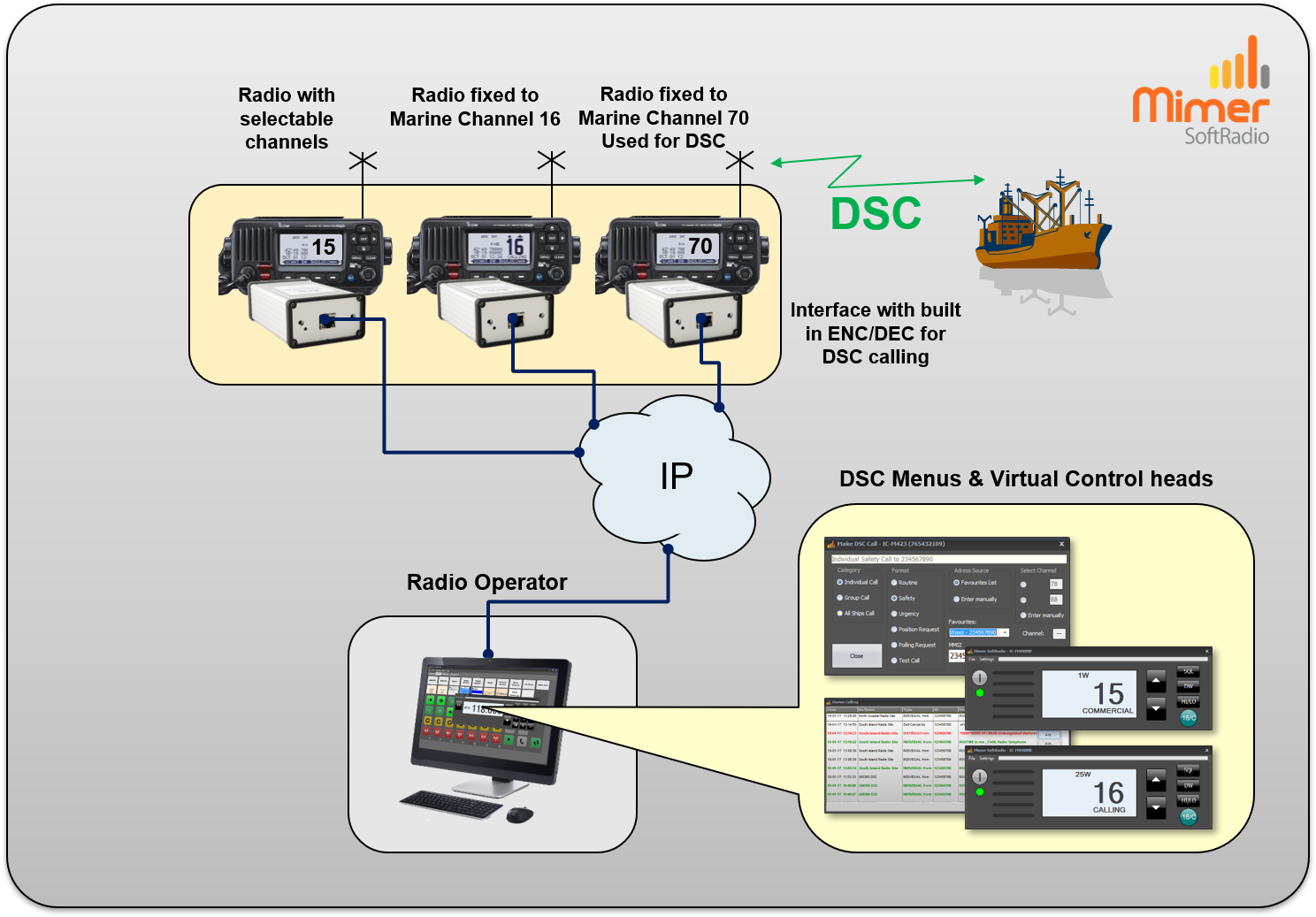
Three marine radios set up with one fixed channel CH16, one multichannel radio and one fixed CH70 radio used for DSC. The DSC radio is hidden from the operator and only used in the background.