Mimer SoftRadio
Transform Any PC into a Powerful Radio Dispatch Console
What is Mimer SoftRadio?
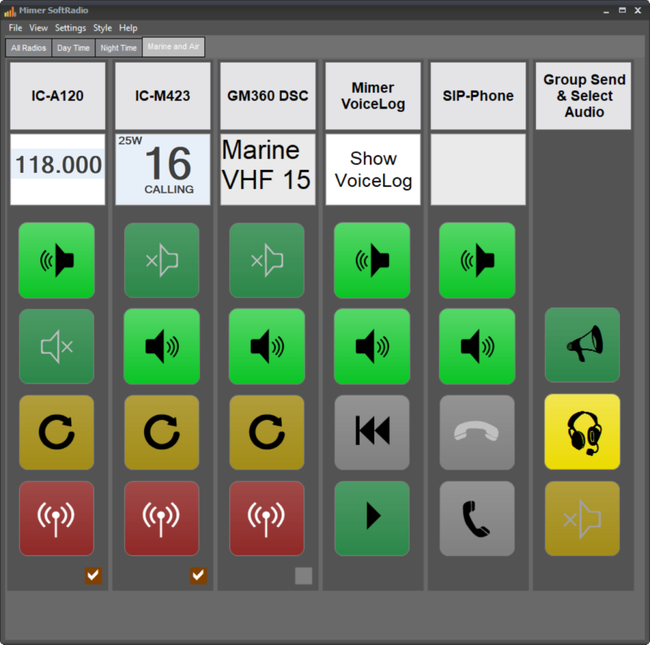
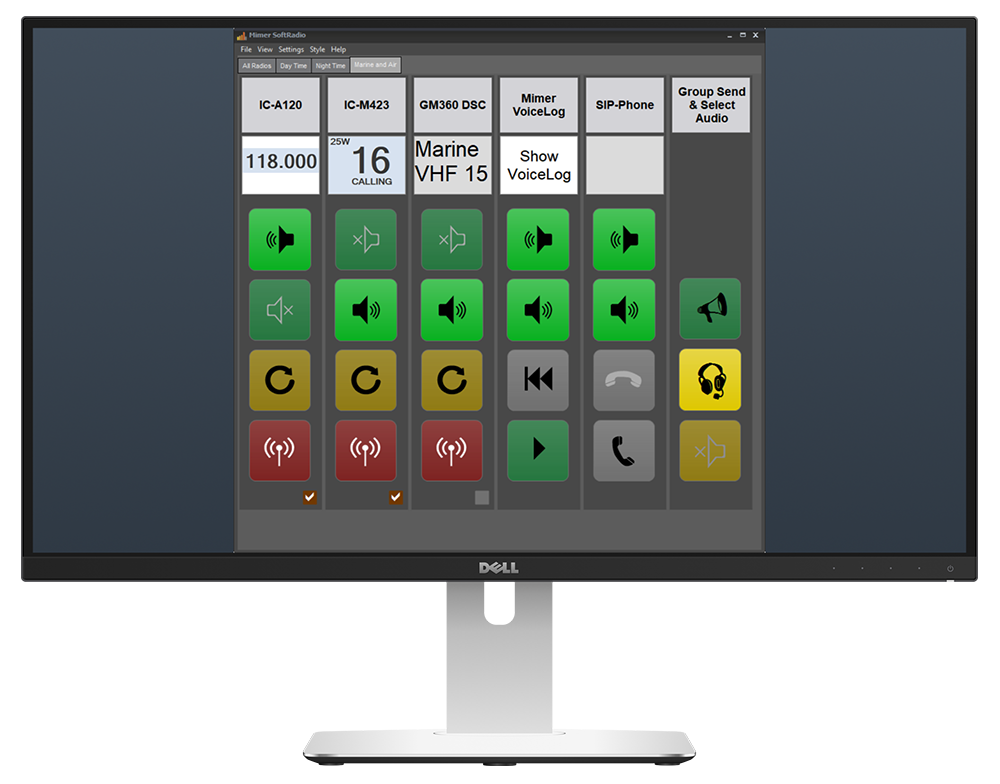
A software system that turns any standard Windows PC into a full radio dispatch console, giving operators complete control over any two-way radio, from any location, over any network.
One operator, many radios
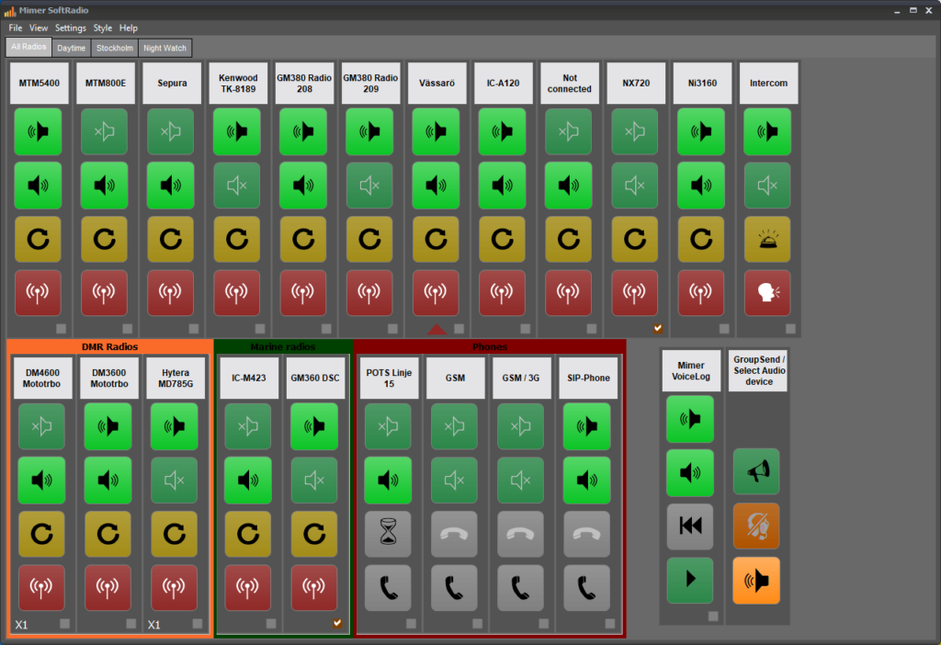
Each operator can handle multiple radios simultaneously. Each radio can also be controlled by multiple operators.
Mix any radio type
Analog (marine, airband) and digital (DMR, TETRA) radios can be used by the same operator at the same time. Phones and intercoms too.
Scales with your operation
From SoftRadio Basic (8 devices) to XL (60 devices). Start small and grow as your operation expands.For larger installations
Optional recording & transcription
All audio can be recorded and transcribed automatically. Available as add-ons.
How it works
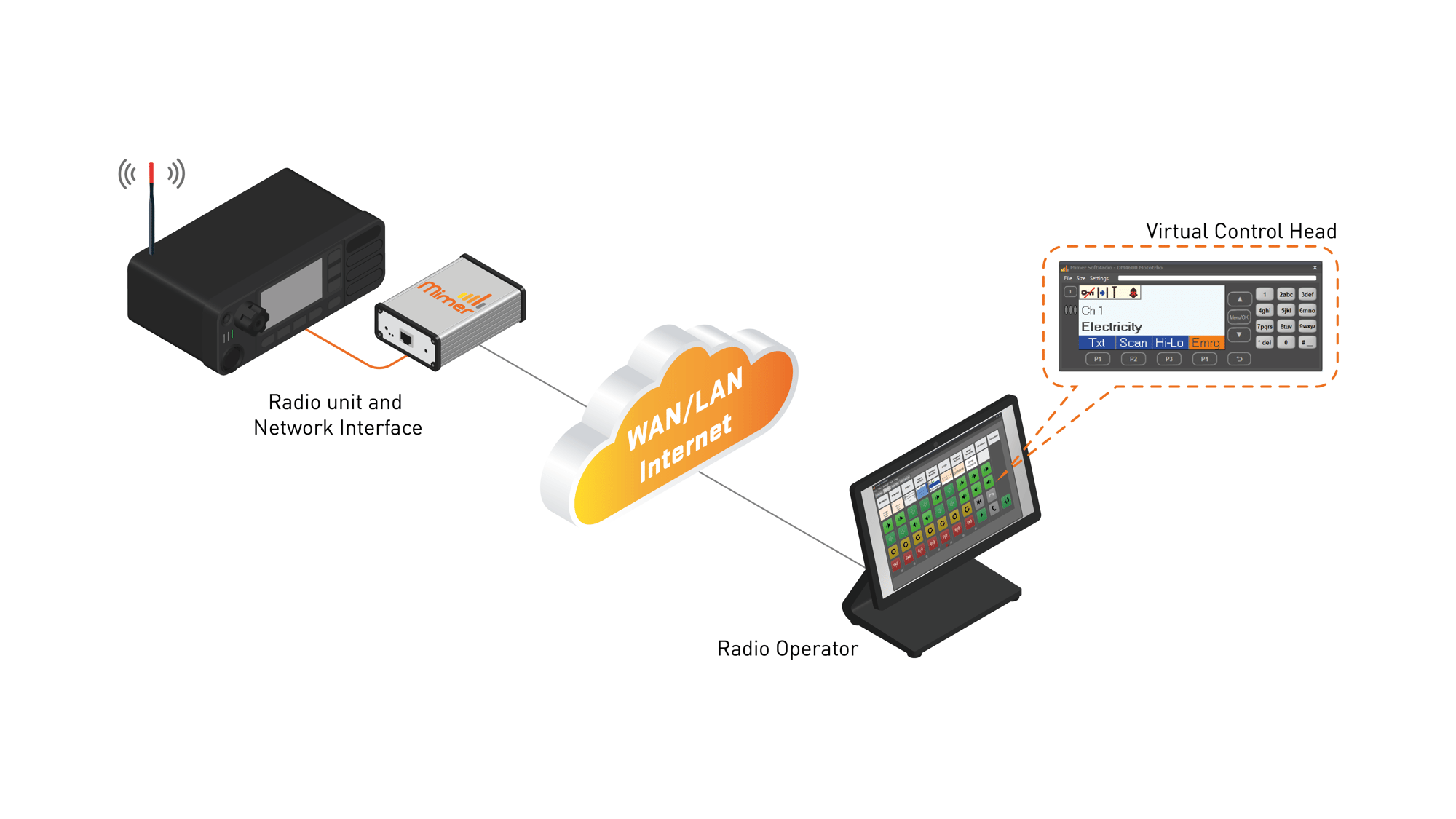
Any radio can be remote controlled from your operator PC using your local LAN or other IP network.
In the example a Motorola radio is operated with a full virtual control head giving the operator the feeling of sitting in front of the radio, although it might be on the other side of the world.
SoftRadio Basic vs SoftRadio XL
SoftRadio comes in two versions, Basic and XL, both giving you full remote radio control over any network from a standard Windows PC.
SoftRadio Basic supports up to 8 devices. Available add-ons includes CrossPatch, PhoneConnect, MarineCalls, RadioCalls, InterCom, PoC and Receiver Voting. It covers most small to mid-sized operations straight out of the box.
SoftRadio XL is built for larger and more complex setups, supporting up to 60+ devices. In addition to the add-ons available in Basic, XL unlocks a more flexible dispatch layout with tabs, freely movable panels and the ability to group devices by system or site. Additional add-ons include Advanced Audio Messages, Multi Speaker, Multi HotKey, Damm Option, Zone Extension and Operator Profiles.
If you're already on Basic and your operation grows, upgrading to XL is straightforward, all your existing options and settings carry over.
What connects your radio to the network?
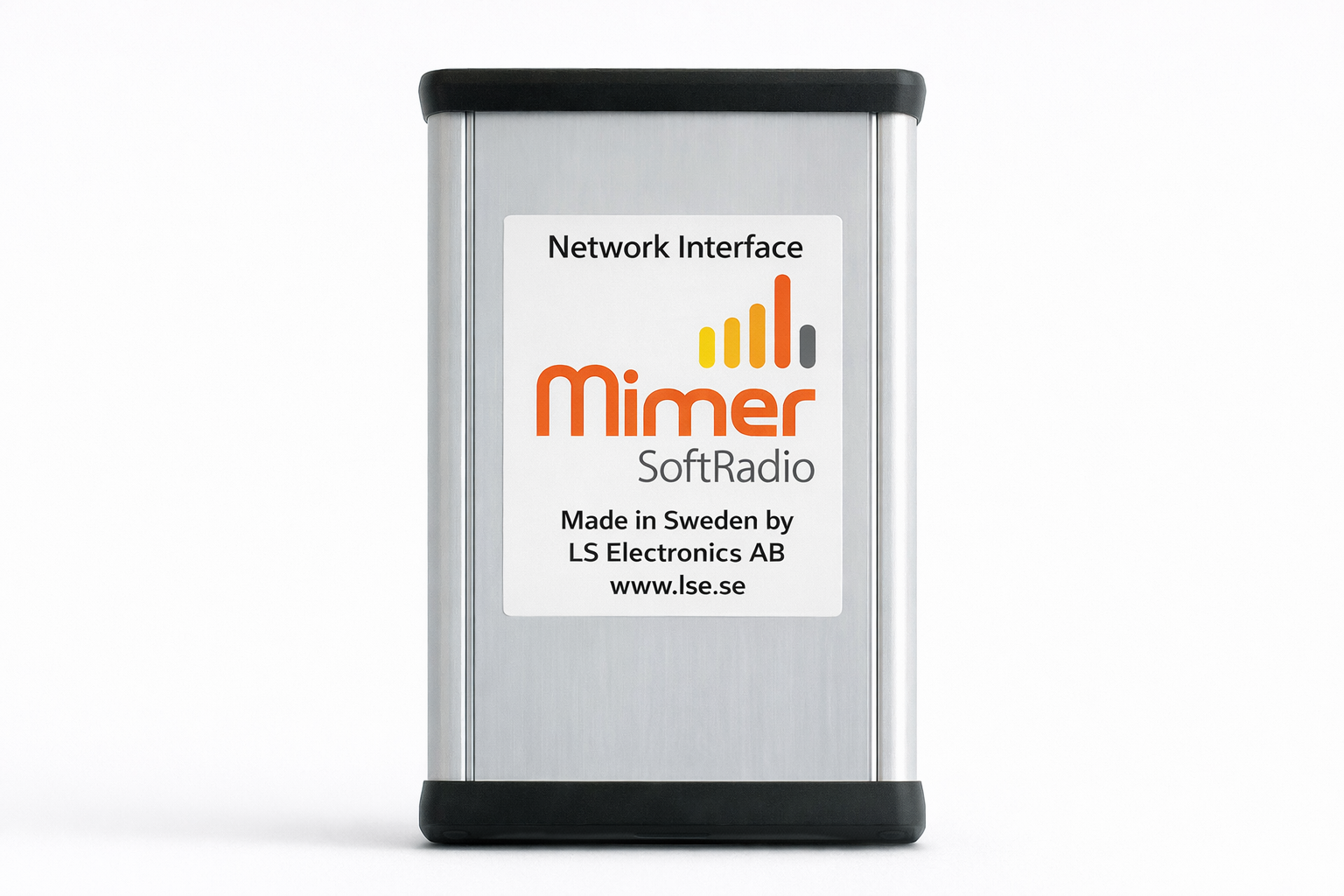
At the heart of the system is the Mimer Network Interface, the piece of hardware that connects your two-way radio to a computer via LAN, WAN or the Internet.
A lightweight application on your standard Windows PC will then handle the remote control of the radio. Giving you full control from anywhere in the world.
Not Sure Where To Start?
Tell us about your setup and we'll help you find the right Mimer solution for your operation.