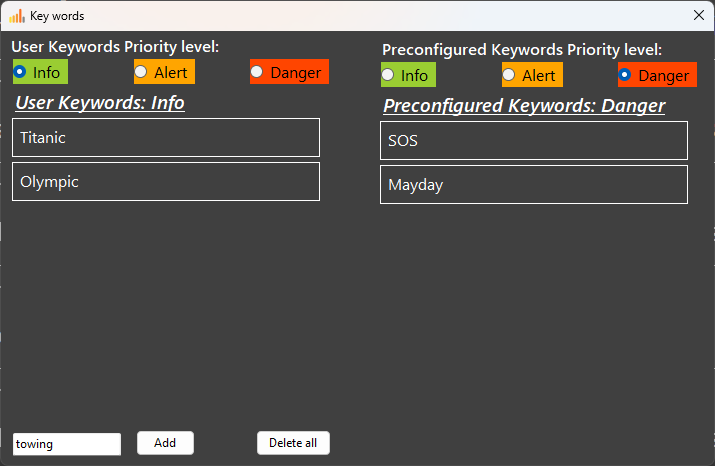
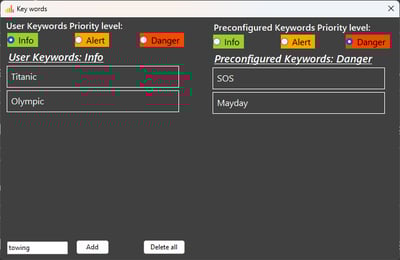
Keyword settings
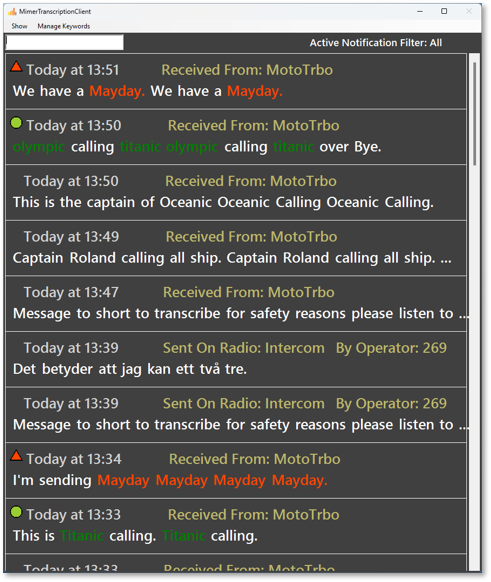
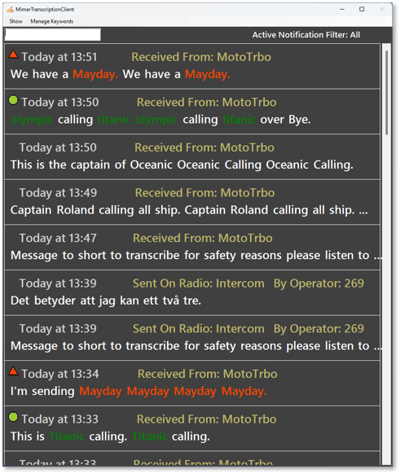
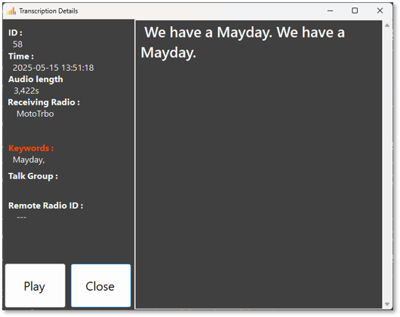
Transcription window with highlighted keywords
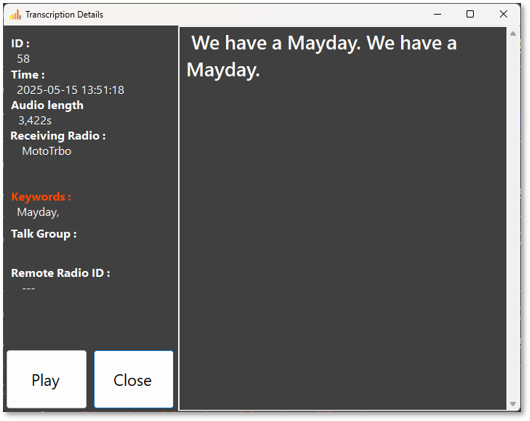
Replay window for a message
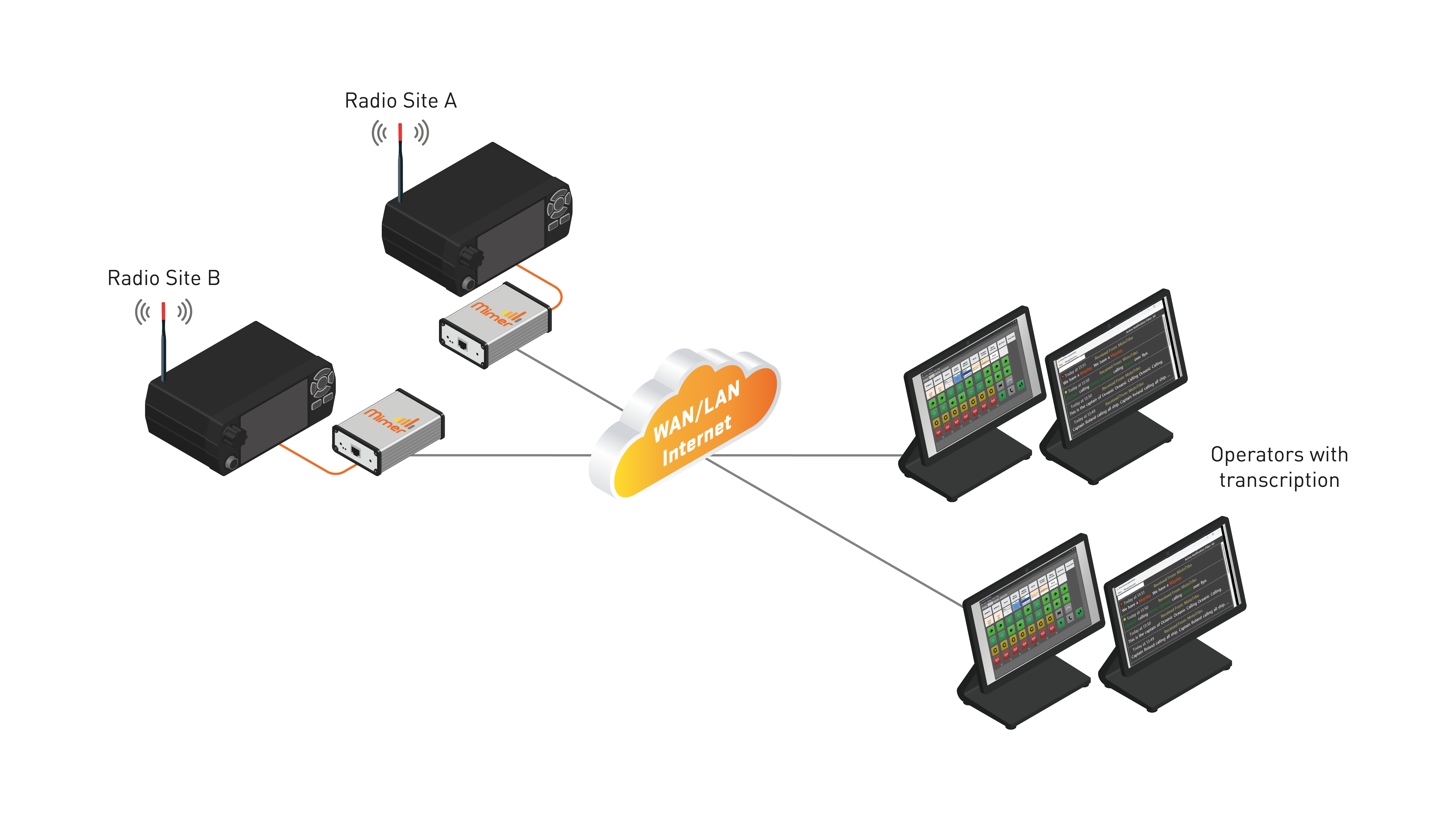
A small dispatch center where each operator has a transcription screen showing real-time radio traffic, with vessel names in green and alerts like “Mayday” in red.
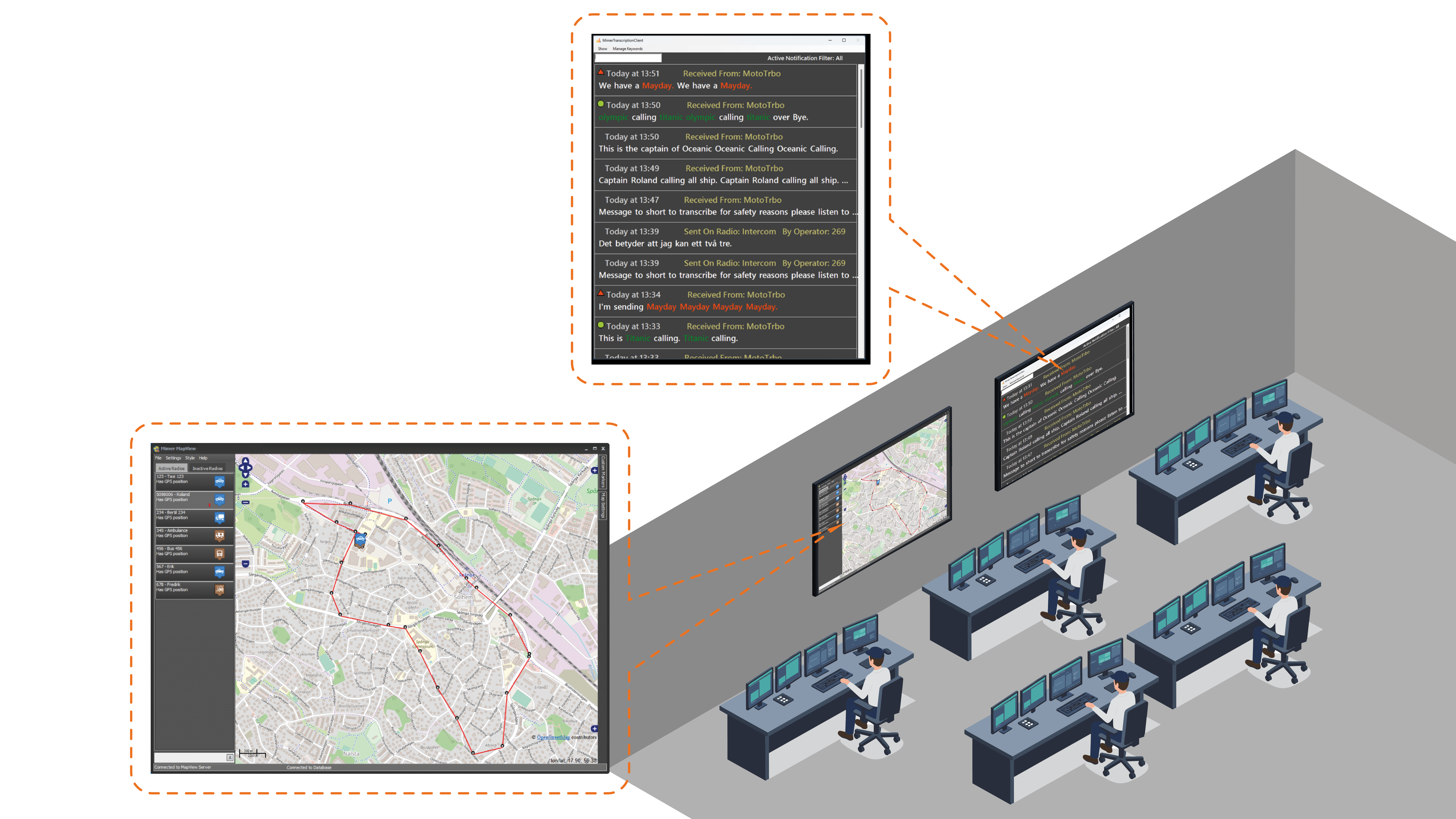
A rescue center where five operators share a transcription screen showing real-time radio traffic, with words like “emergency” in red and names or units in green.
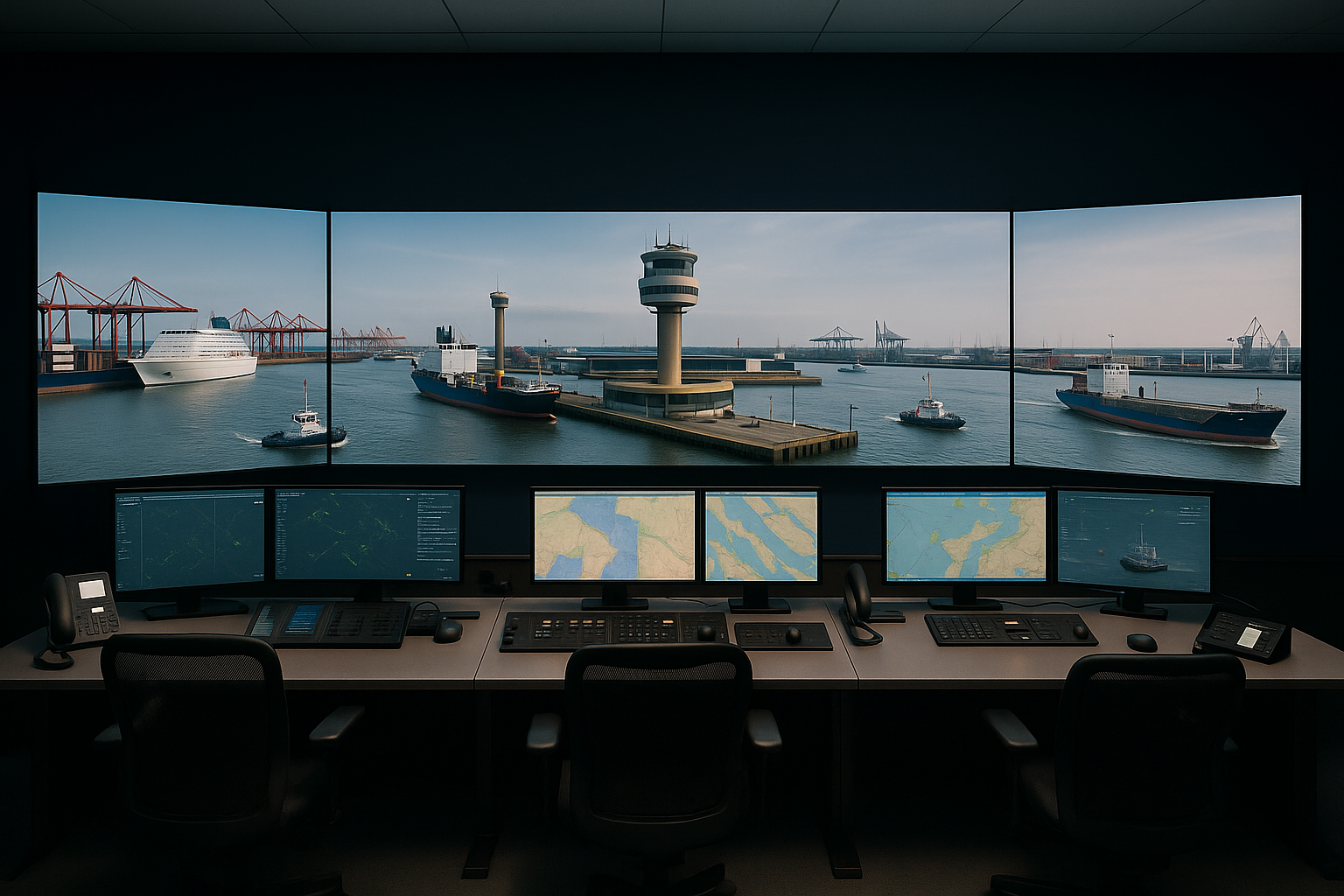
Harbour Control & MRCC - Clarity in High-Traffic Environments
At harbour control or Maritime Rescue Coordination Centres (MRCC), operators are constantly engaged with calls from different ships via both radio and phone. These calls are often disturbed by static, unclear pronunciation, or heavy accents.
With transcription, calls are written out in text just seconds after being received. Even if the operator is busy with another task, no message will be lost. If a message is unclear due to poor conditions, it can be replayed as many times as needed.
Operators can also colour-code frequently used ship names for easy recognition. Each operator can have their own screen with the transcription display, customized to their workflow.
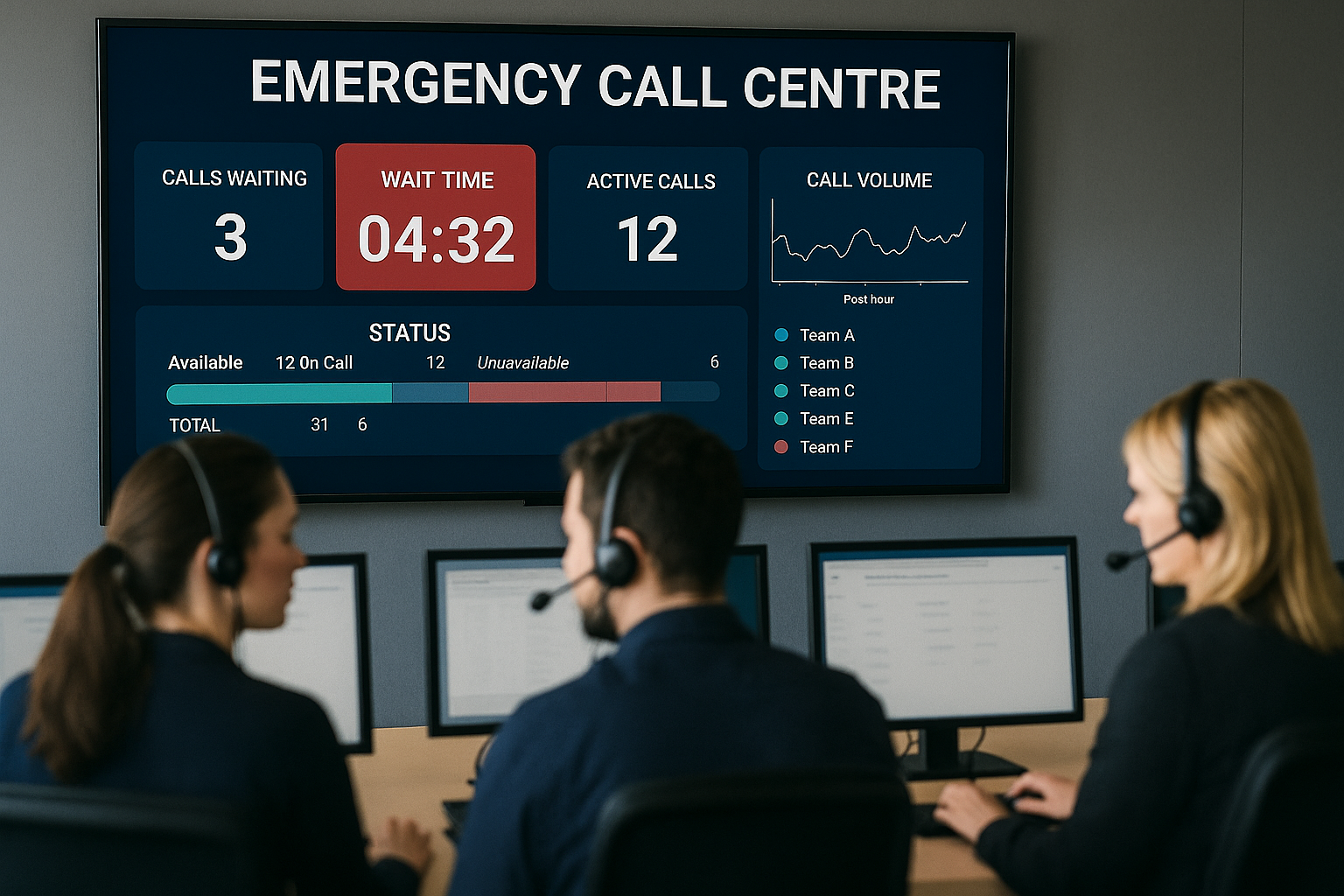
Emergency Call Centres - Real-Time Overview and Team Awareness
In emergency call centres, multiple operators handle calls and dispatch vehicles simultaneously. When operations get intense, transcription becomes an invaluable tool.
Missed calls, parallel conversations, and quick status changes are easier to manage with a live transcription log. It allows operators to follow both their own calls and their colleagues', reducing the need to ask, “Did you already take that call?”
In this setup, a large shared screen in the operations room works well. When supervisors or other staff enter during a critical situation, they can read current messages immediately without disturbing the active operators.
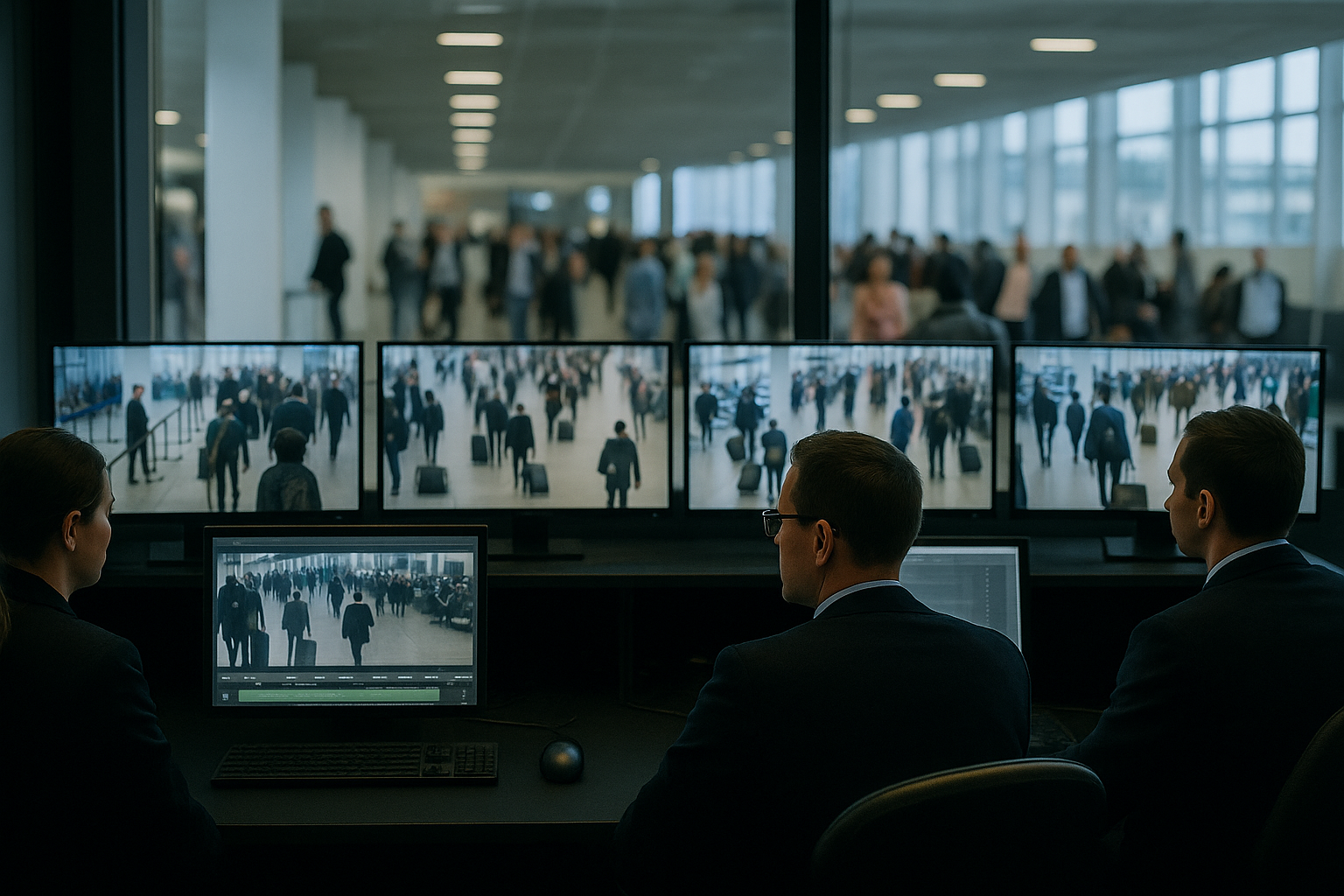
Airports - Faster Post-Incident Review
At airports, all communication needs to be logged. Even if live transcription isn’t required day-to-day, it becomes extremely useful when reviewing incidents.
Transcription makes searching for keywords, timestamps, radio numbers, or dates easy and fast. Once found, the original audio message can be replayed to verify accuracy. This improves reporting speed and accuracy during reviews.
Public Transport - Supporting Multilingual Operations
In public transport companies, radio communication often involves drivers of different nationalities speaking with heavy accents. This creates challenges for dispatchers.
Having a written transcription of radio calls significantly helps operators understand messages without repeated clarifications. Even if the text isn't perfect, the ability to read and replay the call reduces misunderstandings.
Dispatchers can also colour-code terms like station names or emergency keywords. And just like in the other scenarios, all messages are saved for future analysis and follow-up.