<img src="https://www.inventive-7-intuition.com/807131.png" style="display:none;">

Mimer TGW

 
 Through the Damm Terminal Gateway

How Terminal Gateway Connects to Tetraflex

Using the Terminal Gateway gives you nearly full control of the Tetraflex system. All the functions and operator needs are there, except the list of registered subscribers and the ability to build DGNA groups.

When using the TGW a server software with virtual network interfaces is connected to the Tetraflex system. Each dispatcher then connects to these virtual network interfaces in the same way as with any other network interface connected to a donor radio.
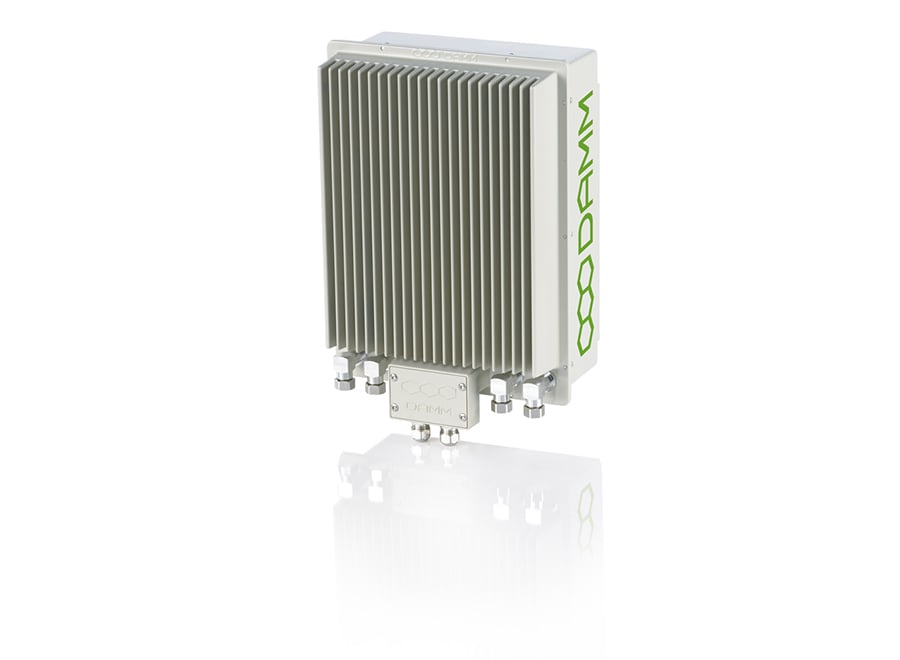
Damm-BS421
Need full control of the Tetraflex system, including subscriber lists and DGNA group management?
The Application Gateway gives you access to every feature.
FEATURES

Functionality

We have tried to reflect the operators most important needs when monitoring and talking to the Tetra users.

All those functions are easily accessible, while other functions are hidden or not even implemented since they are just in the way of daily use. 

TalkGroup talk and listen


Contacts list and calls


SDS and status, send and receive


Emergency status handling


Positioning together with Mimer MapView

Operation

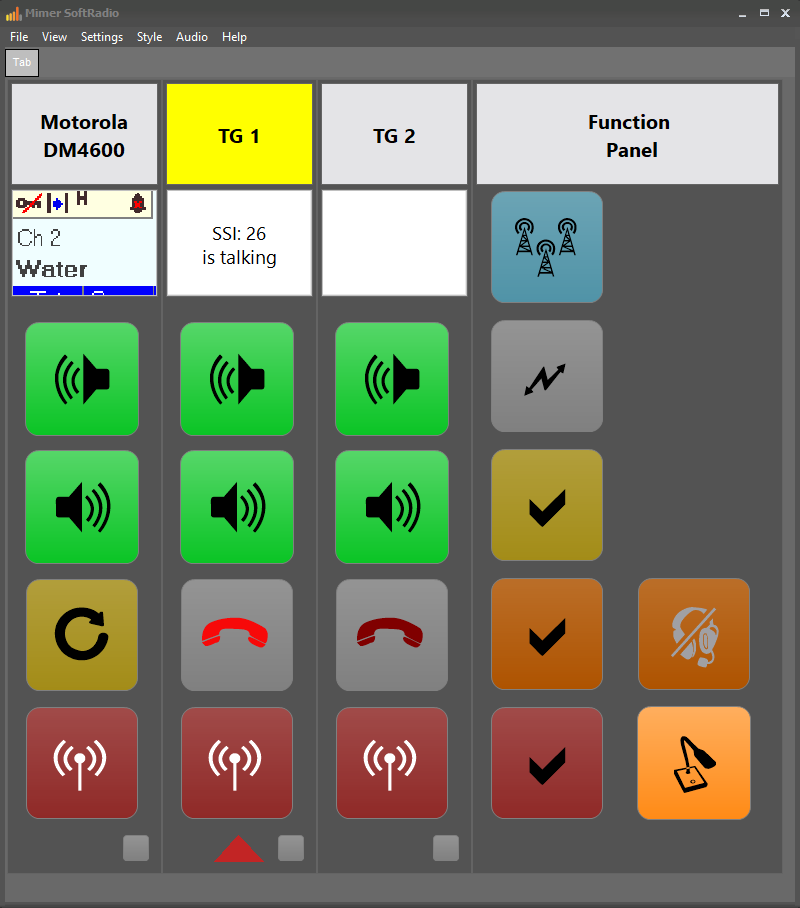
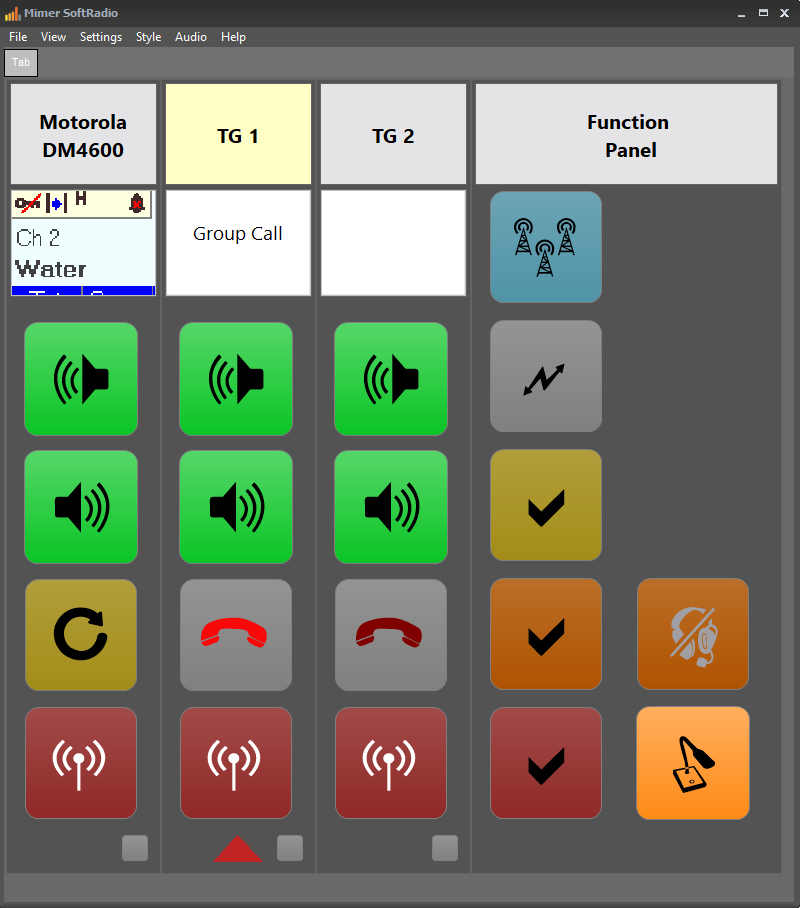
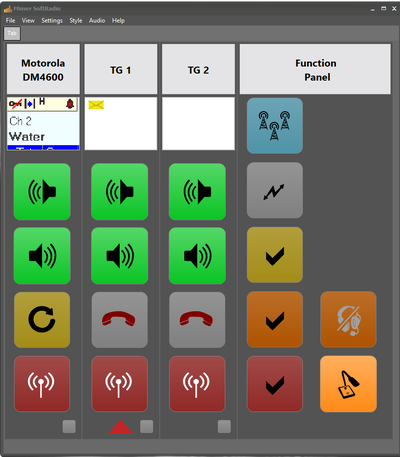
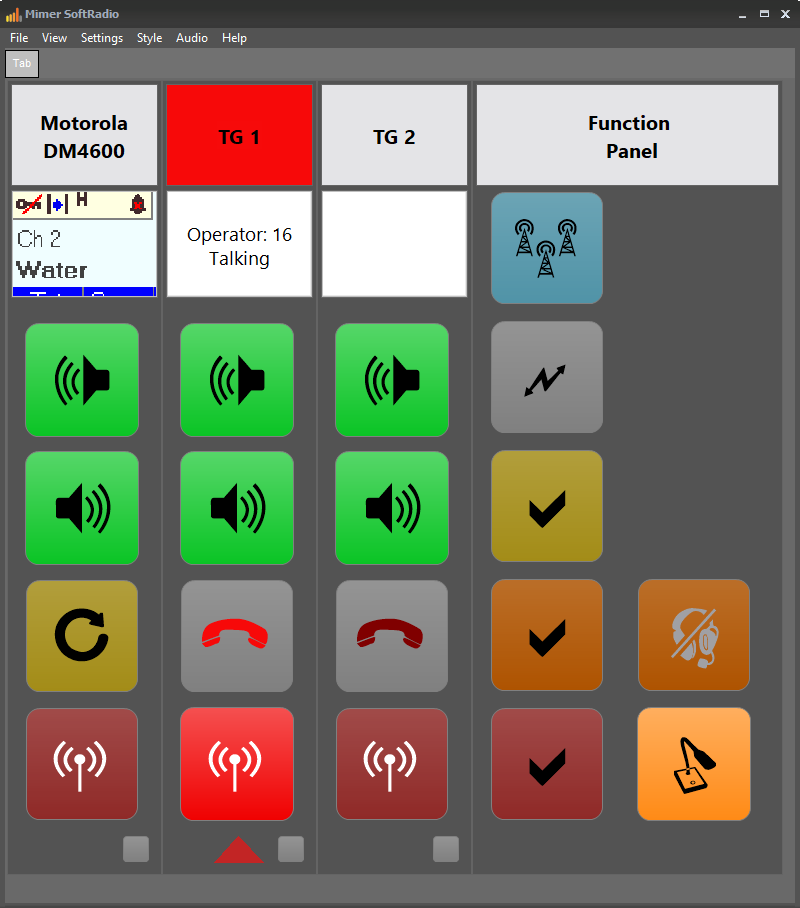
The operator will see a GUI that looks and behaves very much like standard SoftRadio does for other radio types. Each connected Talk group will be represented with a device panel that lets the operator make calls and answer calls.

All groups can be monitored in parallel and at the same time as other radio communication. When there are settings to do, or a message to send, a device window, much like the virtual control heads for radios, can be opened.
TGW-1-1
 INTERFACE

System Images

 The Mimer SoftRadio interface adapts in real time to show call status, messaging, and emergency alerts at a glance. 

Operator Talking

Operator View

TGW Talking

Operator 16 transmitting — the header turns red while PTT is active. 

Incoming Talk

Operator View

TGW is talking

SSI 26 is talking — the header turns yellow to indicate activity. 

Group Call

Operator View

TGW Group call

TalkGroup 1 active with a group call in progress. 

Messages & Status

Messaging

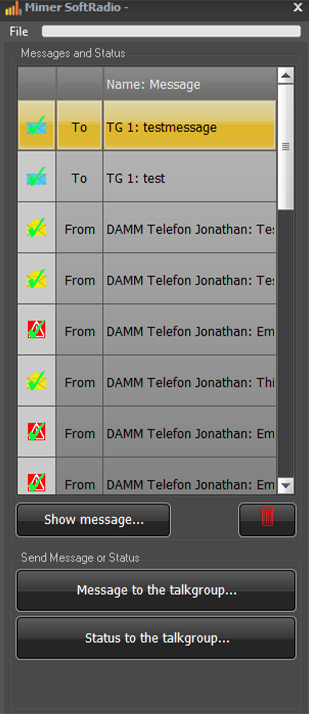
TGW messages

Send and receive SDS messages and status updates to the talkgroup. 

Emergency Status

Messaging

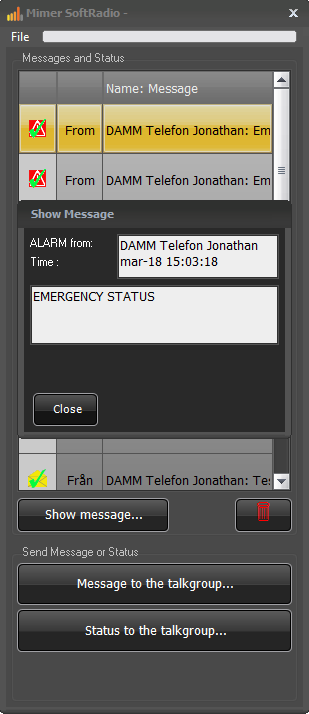
TGW emergency status

Emergency alerts are shown immediately with full sender details and timestamp.