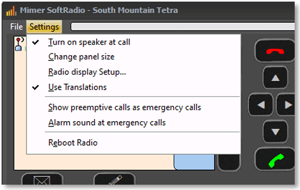
Show preemptive calls as emergency calls
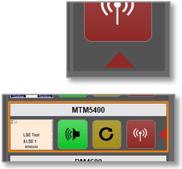
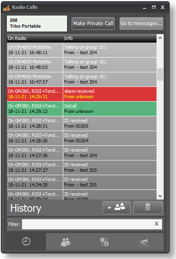
Motorola Tetra only. An incoming emergency call is shown with a light red colour. Ticking this box will make the application show all pre emptive calls as emergencies.
Alarm sound at emergency calls / Enable Alarm Signal
Motorola Tetra and DMR only. Gives an extra alarm signal when an emergency is received.
Reboot Radio
Motorola Tetra only. This will force the radio to reboot.
Alternative Layout
Motorola GM-series only. Some countries have different button symbols. This can be set here.
Select Amber / White / Black screen
On some radio types, the background colour of the display can be changed.
Language
Mimer SoftRadio is basically English. It is also translated to, at the moment, ten other languages. Please see web page for details.
SoftRadio will follow the language setting in the operator PC. You can change this setting by doing a new selection in the PC and then restarting SoftRadio. You will find the language setting in Windows under “Control Panel” and “National Settings”.
It is also possible to set another language on SoftRadio than the language the PC uses. Setting this up is described on the web page with setup hints.
If you would like to have a new language implemented, please contact us.

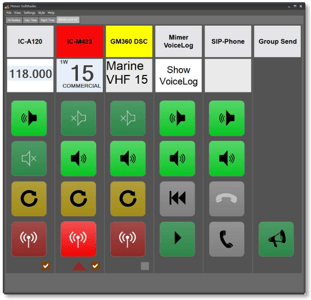
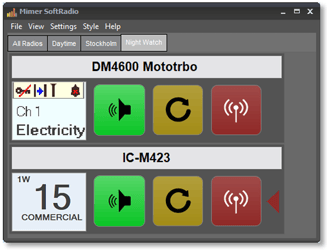
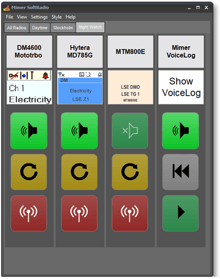
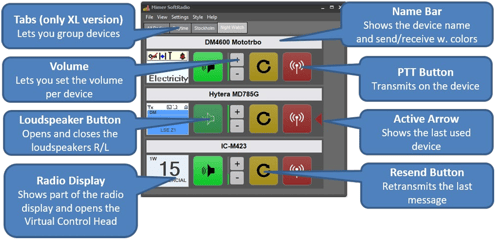
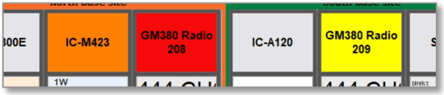
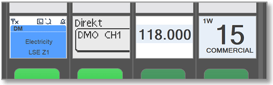
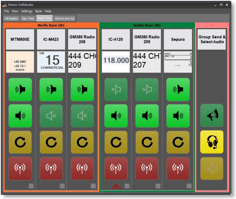
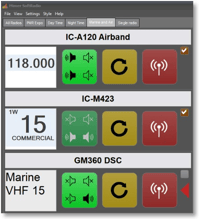
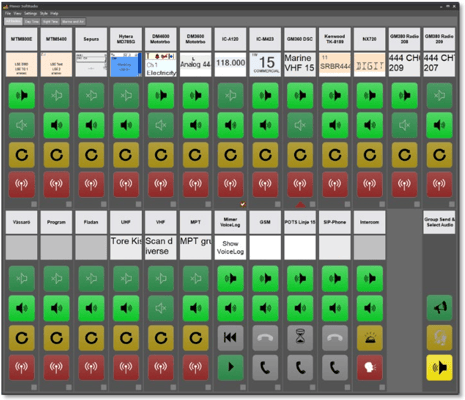 Example of SoftRadio with many radios connected