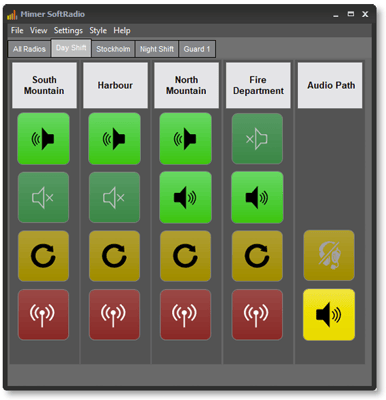
Basic guide for System Setup
Technical description and set-up instructions
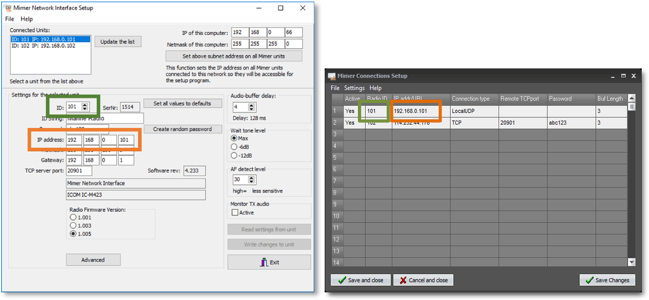
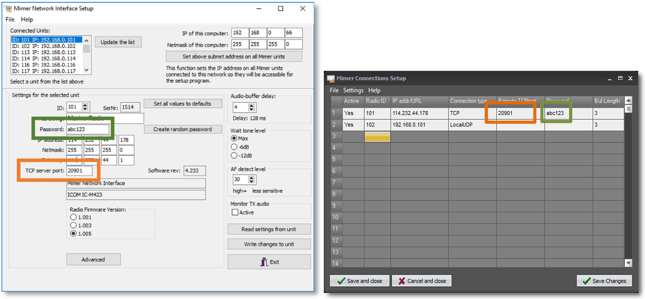
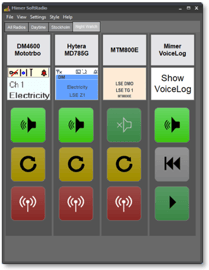
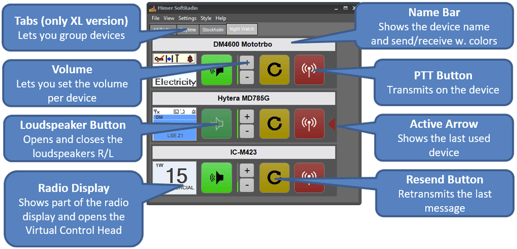
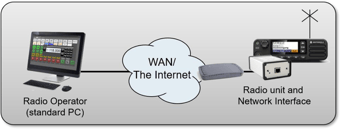
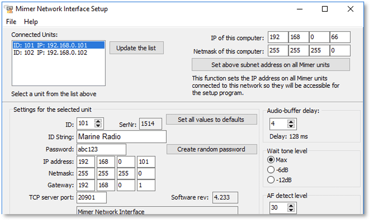
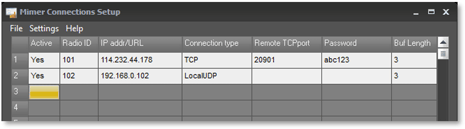
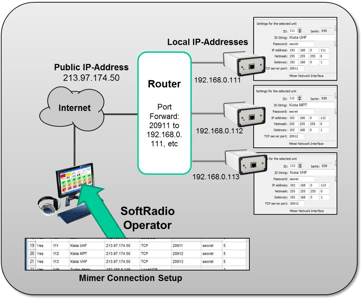
This guide will help with the basic setup of your Mimer SoftRadio system.
Please also refer to the guide “Setting up and using SoftRadio” that is aimed at the dispatcher and the guides for each SoftRadio option, they are all found on this page: www.lse.se/setup. There are also web pages that describes the setup and an FAQ answering most questions, please see: www.lse.se with its subpages.
Many of the radios that you connect to SoftRadio requires settings in their respective setup software (CPS), and sometimes also the Network Interface needs a setting to function with the selected radio. Instructions for this can be found on this page: www.lse.se/cables.
Please read through the instructions and then apply them step by step.
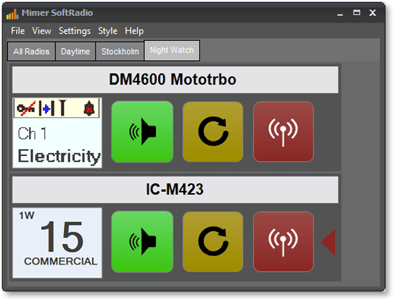
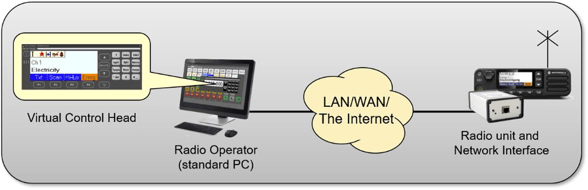
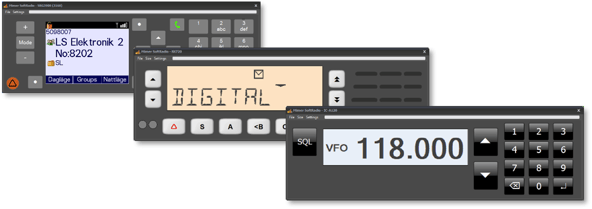


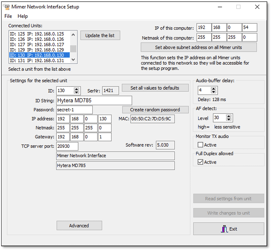
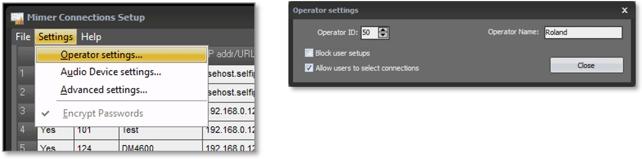
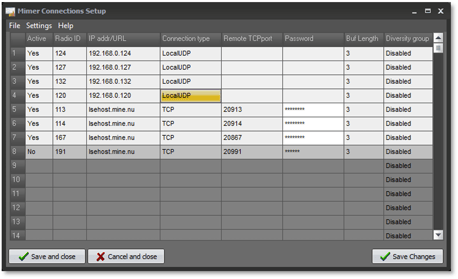
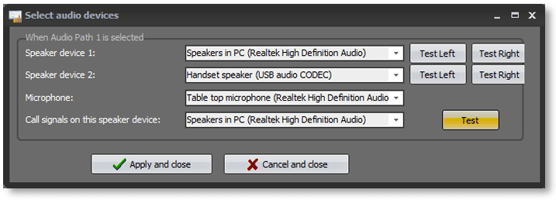
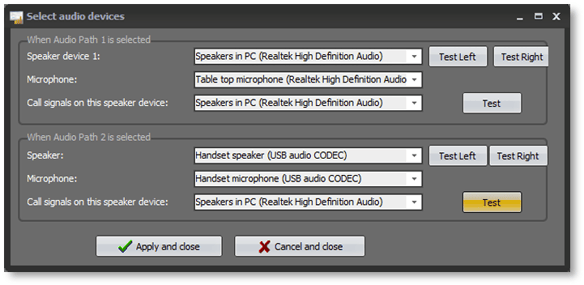
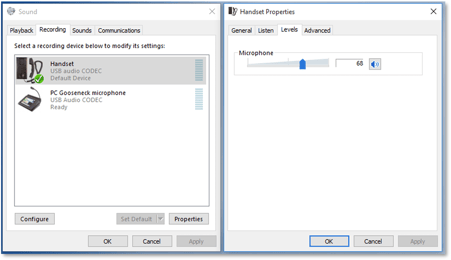
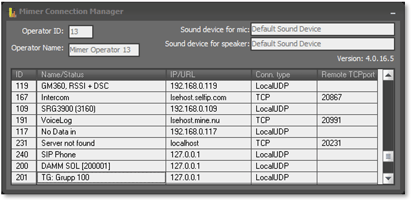
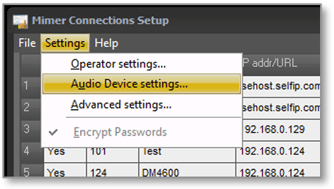 In the basic software there is one device setting and when using the option for operator selection of audio devices, there are two. With the option for Multiple speakers there are even more selections.