Short messages
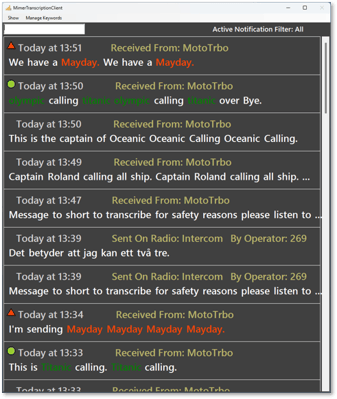
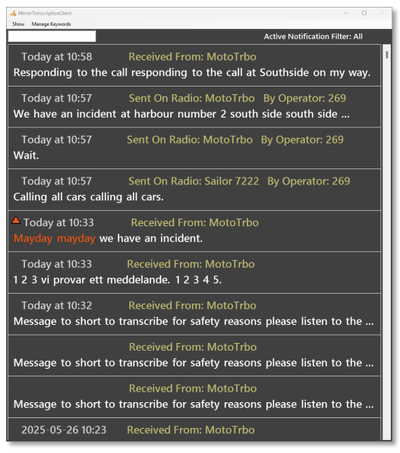
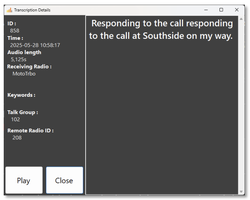
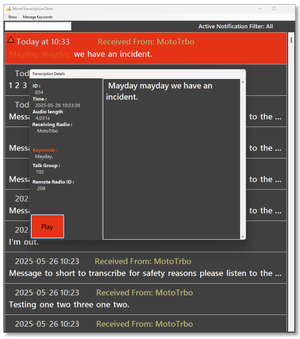
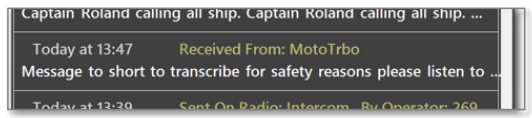
Messages under 500ms will not be presented in text. The AI can not do a proper transcription of those. The recording will still be there with the text “Message to short to transcribe…” and you can listen to the message if needed.
Advanced functions
Edit of the shown name
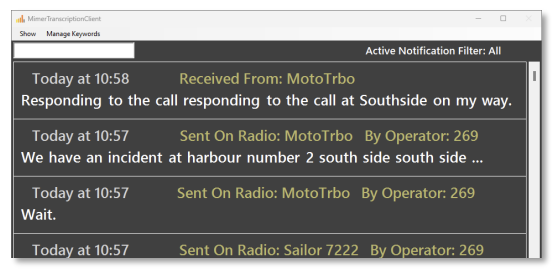
Normally the name that shows up as “Received From” will be the name given in the Network Interface, the same name that is also shown for the device panel in SoftRadio.
When another operator is transmitting the operator number will show up, without a name. (Operator name is not known to the VoiceLog, only the ID number)
The Radio name can be changed and the operator name can be entered by setting an Alias in the configuration file.
The file is found here: C:\Users\Public\Documents\Mimer\TranscriptionSettings.json
Example: "Devices": [ { "MimerID": 186, "Name": "Racing/Equine", "Visible": true }, { "MimerID": 187, "Name": "Security/Ops", "Visible": true } ]
You can add any number of entries in the file. Each device entry should include:
-
MimerID: The ID of radio or operator as configured in ConnectionSetup.
-
Name: An Alias display name of your choice.
-
Visible: Must always be set to true.