General
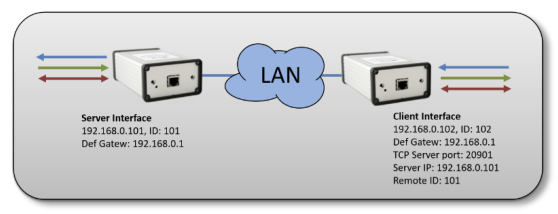
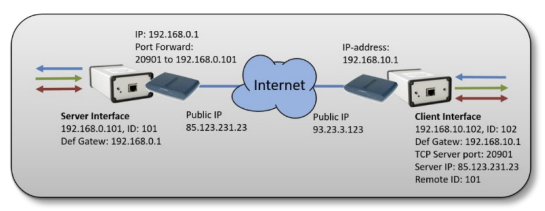
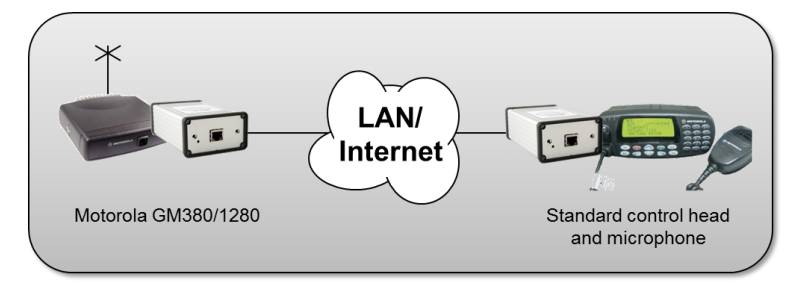
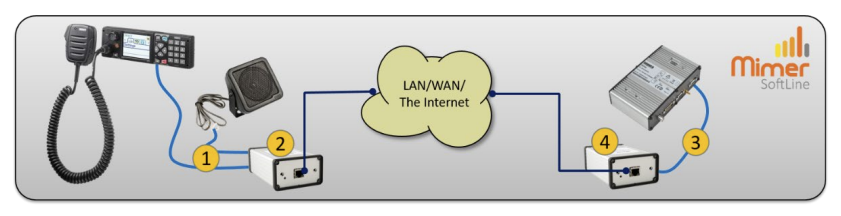
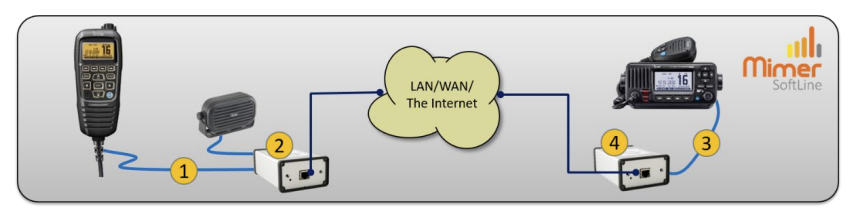
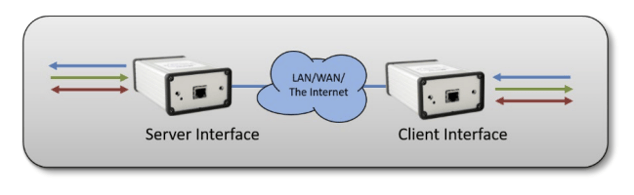
The Mimer SoftLine interfaces basically transfers three types of signals between two points using an IP network connection.
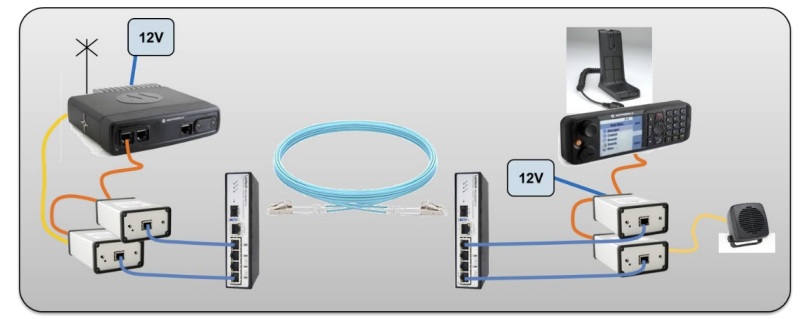
This can be used in several ways, both for radio systems and for other purposes. Often the setup is used for bridging radio systems or for cross patching of radio systems. It is also used for eliminating old 2 or 4-wire leased lines and instead use LAN, WAN or the Internet.
Several readymade cable kits are available for different use.
Audio input and output
The gain is factory set to 1:1 and the maximum level is set to +2dBm@600 ohm.
Interface type 3009/00, includes line transformers, is factory set to -10dB@600 ohm (typically replacing a land line). Interface type 3009/09 is factory set for microphone and speaker levels (typically connecting two radios back-to-back).
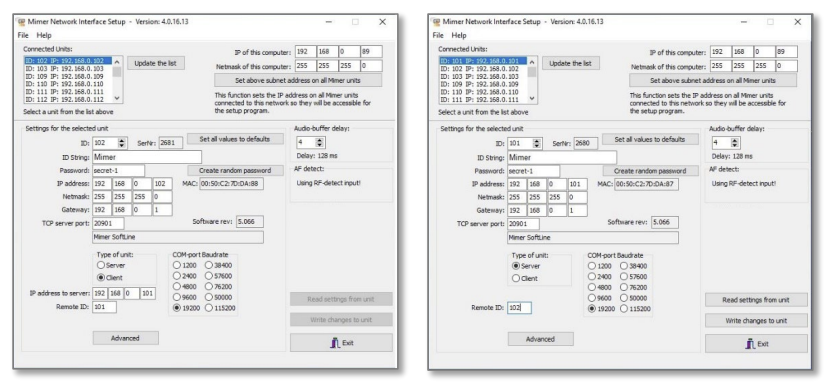
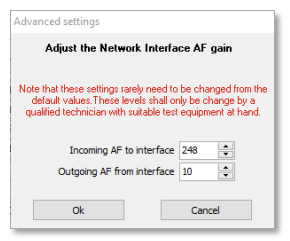
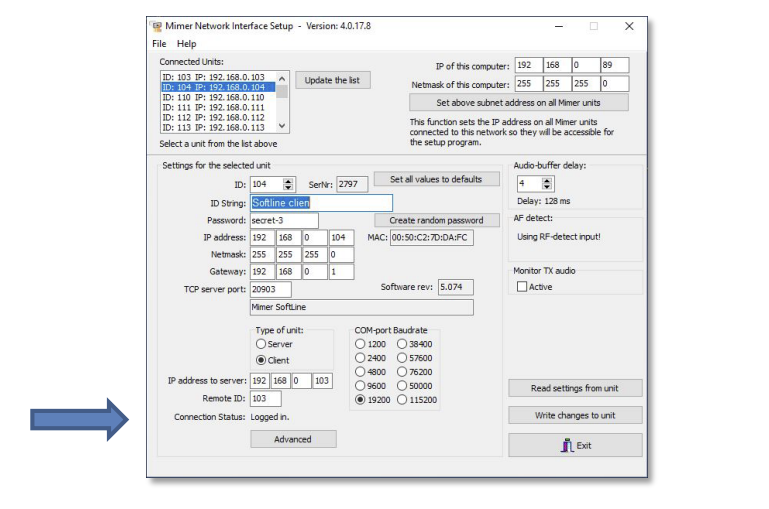
The audio levels in/out of the interface can be adjusted with the setup software. This is described further down in this manual.
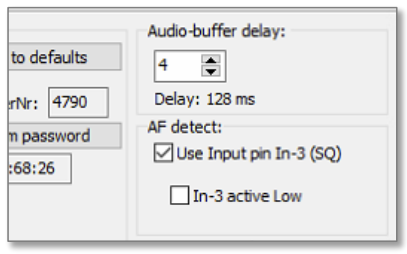
The default setting is that Audio data starts when the internal AF detector senses an AF signal at the input. The threshold for this can be set using the Mimer Network Interface Setup program. In some setups the audio line is full duplex.
Asynchronous RS232
The Baud rate for this link can be set to from 1200baud to 19200baud using the Mimer Network Interface Setup program.
There is an internal buffer in the interface that collects data from the input and transfers it to the other end within 50ms if the data stream stops.
Digital I/O
There are two inputs and two outputs that are connected back-to-back.
They can be used for several remote-control purposes.
When connecting two radios back-to-back over a SoftLine the squelch (or other logic receive indication) on one radio can through the I/O´s trigger the PTT on the other radio and vice versa. As an alternative an audio detect (vox) in the interface at the receiver can be used for triggering PTT on the other radio.
Information about Pin-out and the use of the I/O´s can be found on the web pages. In special setups the information will be sent with the equipment.

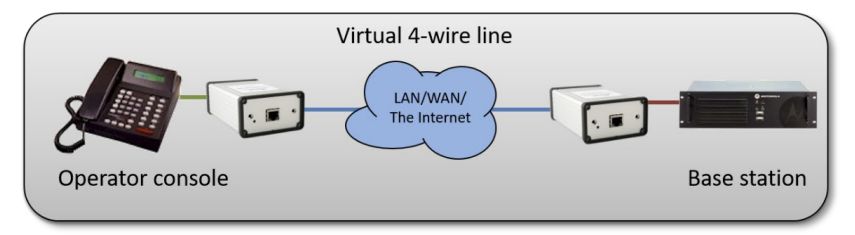
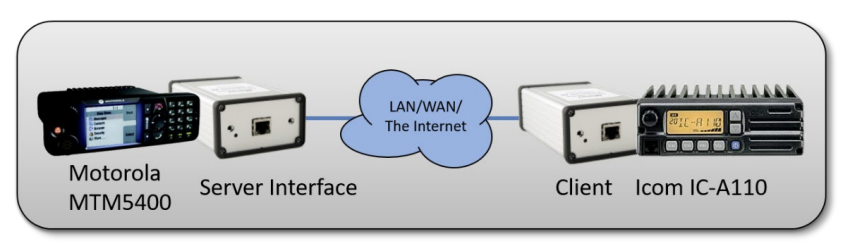 Connection of two radios as a cross patch. The radios can be at the same location or at totally different locations. In this case a Tetra radio and an Airband radio.
 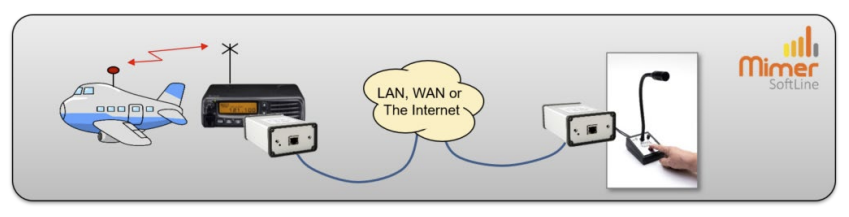 Remote operation of a radio using only a microphone with built in speaker. For operators that do not want to have a PC as the operator interface.